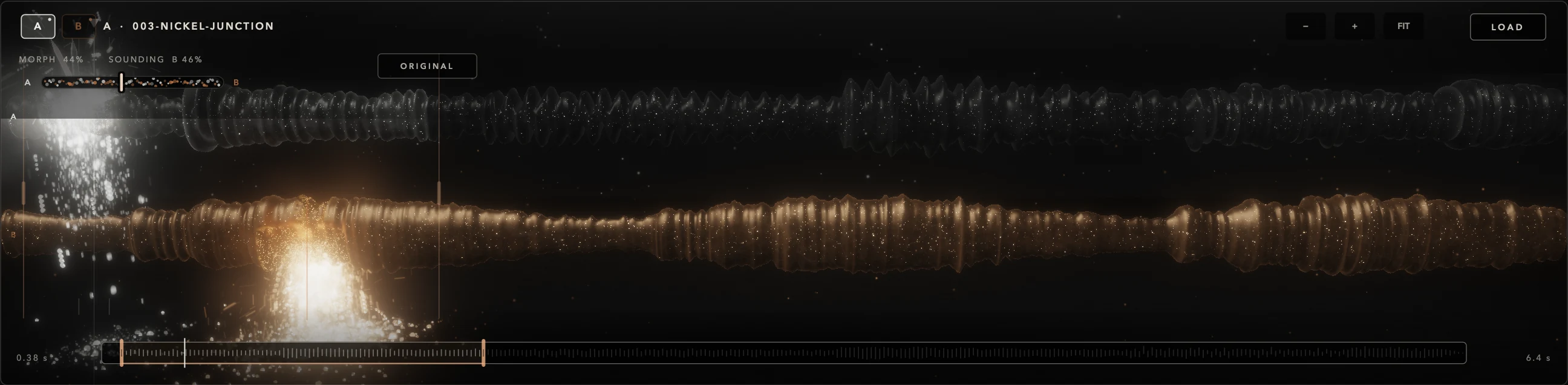
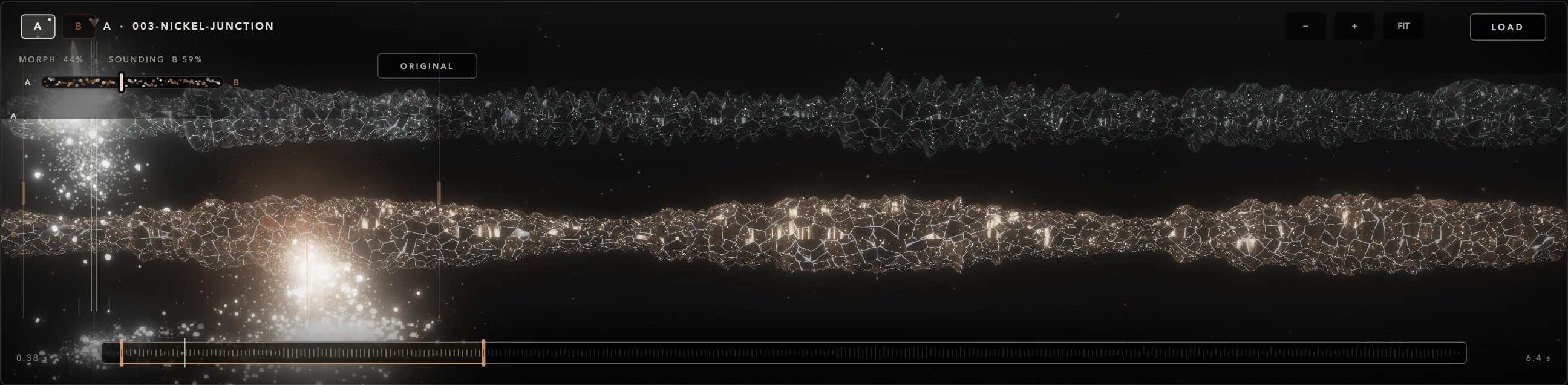
FREEZE Suspended, not stopped.
Tap FREEZE and the read positions are captured. Grains keep being born around them, so you can keep reshaping SIZE, DENSITY, SCATTER, FOCUS or PITCH over a region that refuses to move.
GRANULAR TRANSFORMATION INSTRUMENT
Turn any sound into playable matter.
Two audio sources, broken into grains you can traverse, freeze, crystallize and evolve — then played from the keyboard with macros and MIDI expression.
This field is live. Move across it to scatter grains.
MORPH decides which source each new grain is born from. FREEZE suspends the matter without stopping it.
Sixty-six seconds inside the instrument, filmed from DETRITUS itself. Sound on.
DETRITUS takes two audio sources, breaks them into grains and reorganizes that matter into sounds you play with notes, gestures and modulation.
A grain is a short fragment read from a source, with its own amplitude window, tuning and stereo position. Hundreds of grains being born, overlapping and dying make up the texture you hear. Each note you play triggers a voice that governs its own population of grains.
The audio file loaded into A or B, each with its own position, range, root and time settings.
A fragment read at one point in the source. SIZE sets its duration; DENSITY how many are born; SCATTER and FOCUS where.
What a note triggers: tuning relative to ROOT, the AMP ENV envelope and its grains. Up to 16 voices.
The mix of all voices, where CRYSTAL, the FX chain, MASTER and the limiter act.
Everything runs on your Mac. AUTO, SMART and EVOLVE are processes of the engine itself — no artificial intelligence, APIs or cloud services.
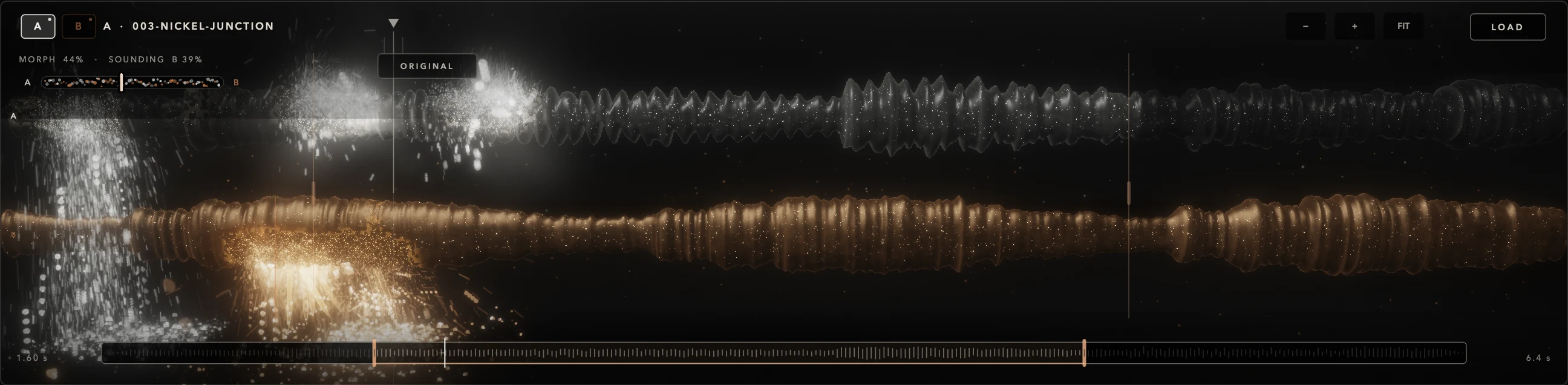
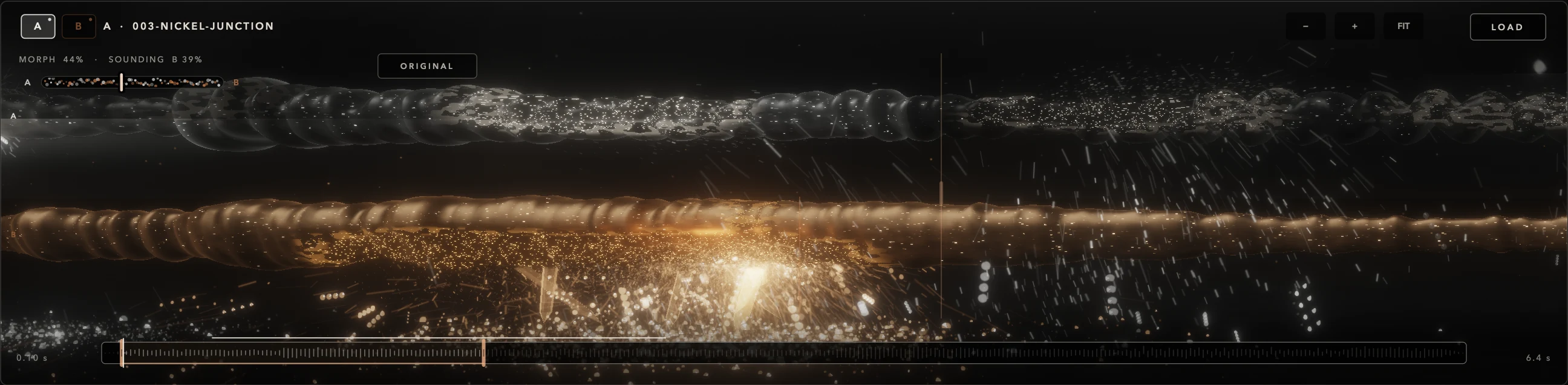
DETRITUS does not crossfade two signals. MORPH decides, at the moment each grain is born, which source it will read from — and the grain keeps it for its whole life.
That is why A and B don't need the same tempo, length or tuning. They bring different roles to the same instrument: the attack of a metallic percussion and the body of a drone. In the field, A is mineral and silver; B is copper and amber.
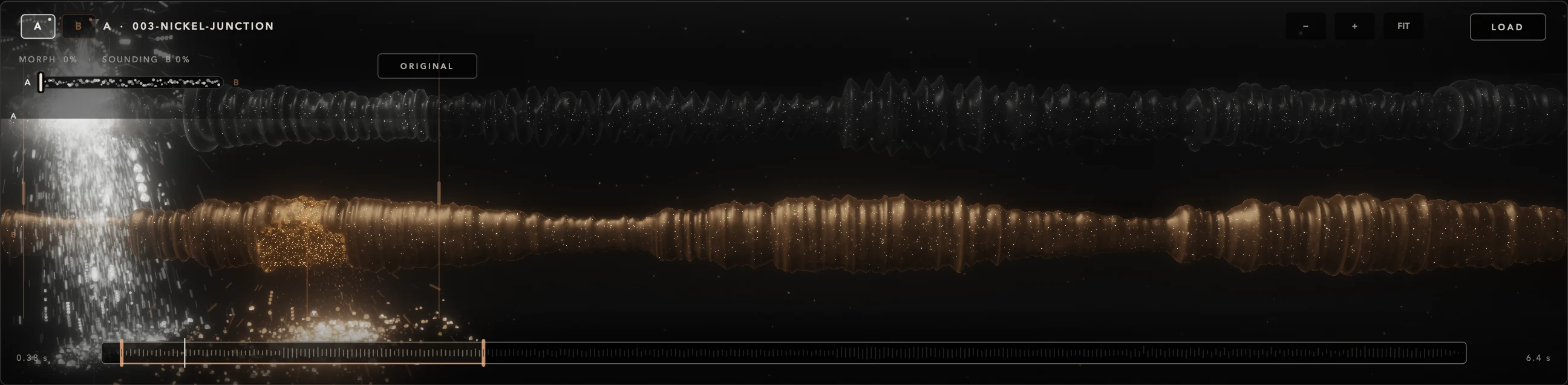
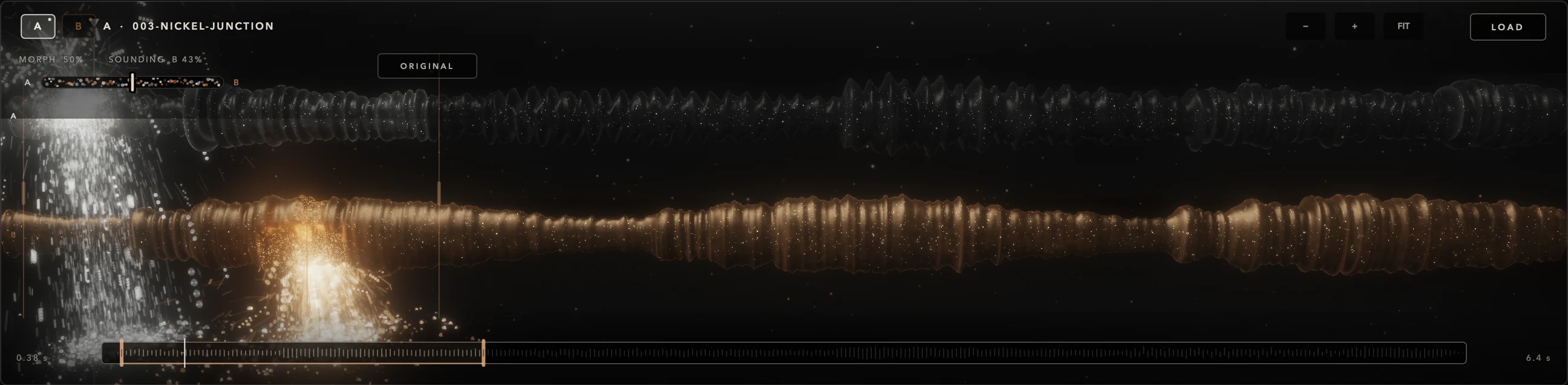
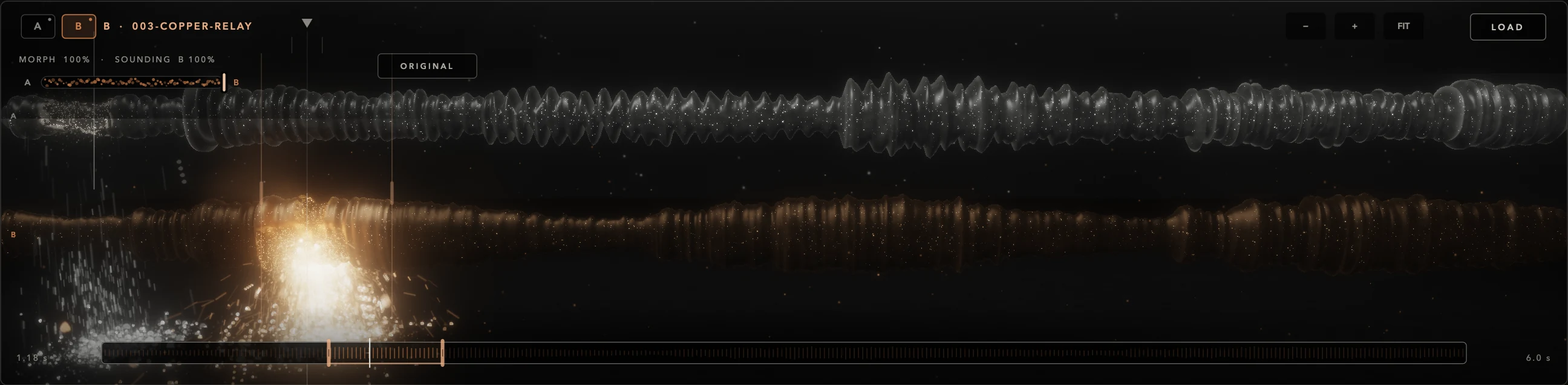
In between: the population is shared. Not two stacked layers — one mixed population.
A header, the Granular Field, eight controls, four tabs and a keyboard. The field reflects real engine data — sources, grains and activity — not an animation running on its own.
Select a number to find it on the interface.
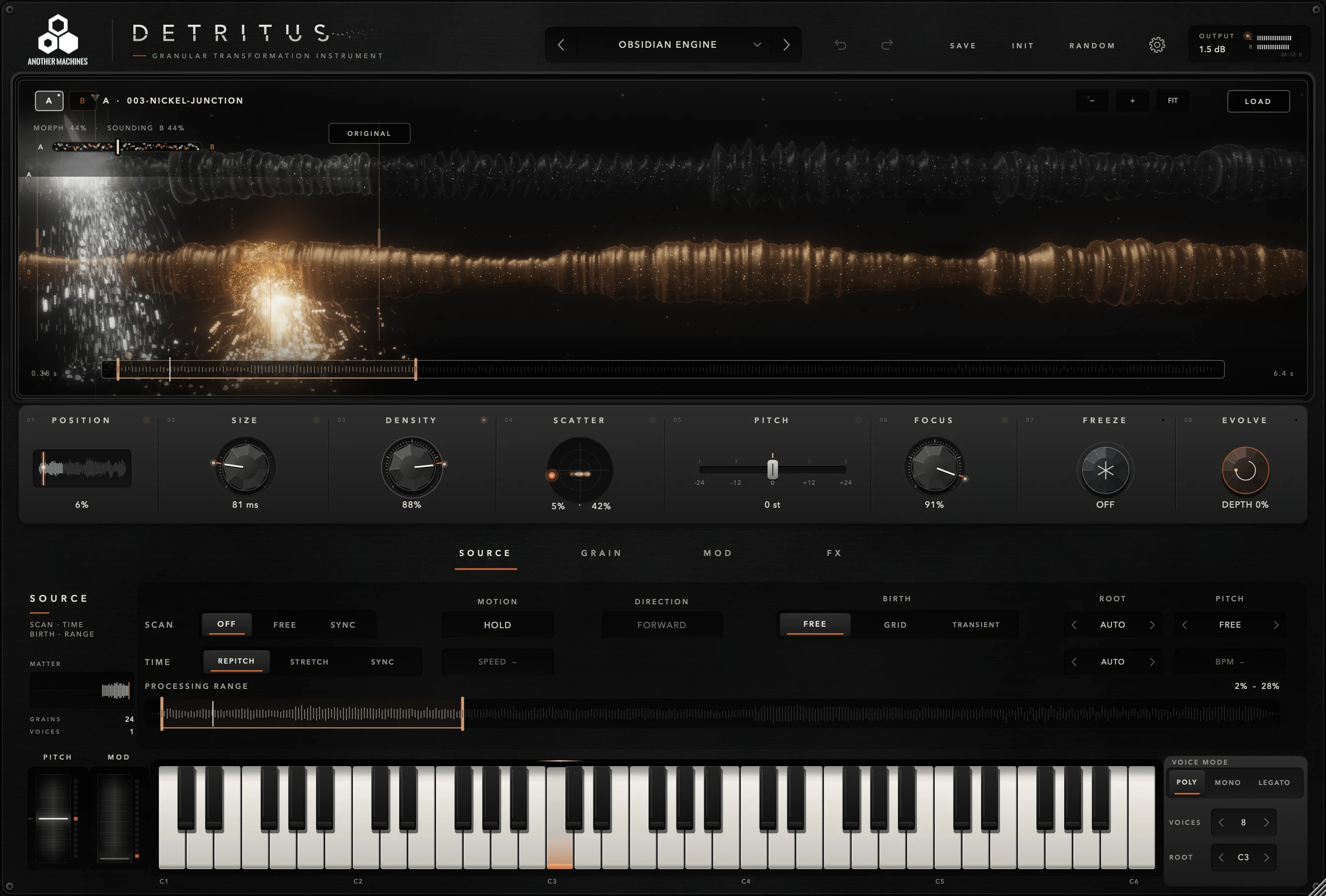
The main row is where you play the matter: where grains are read, how long they last, how many are born, how far they spread — and two buttons that change what the matter is doing.

0–100%
Base read origin in the selected source. Also set from the field and the navigator.
5–500 ms
Grain duration. Short fragments; long ones sustain and overlap.
1–100%
Relative density of births and overlap.
X 0–100% · Y 0–100%
An XY pad: horizontal scatters the origin, vertical widens the stereo image.
−24 to +24 st
Global grain transposition relative to the note and each source's root.
0–100%
Concentrates origins around the emitter; high values narrow the scatter.
OFF / ON
Tap to capture positions. Drag vertically to raise the CRYSTAL layer.
press
A new engine variation with every click. Shift-click goes back.
Suspend it, let it sediment, push it somewhere new. FREEZE, CRYSTAL and EVOLVE are what make DETRITUS feel alive under your hands.
Tap FREEZE and the read positions are captured. Grains keep being born around them, so you can keep reshaping SIZE, DENSITY, SCATTER, FOCUS or PITCH over a region that refuses to move.
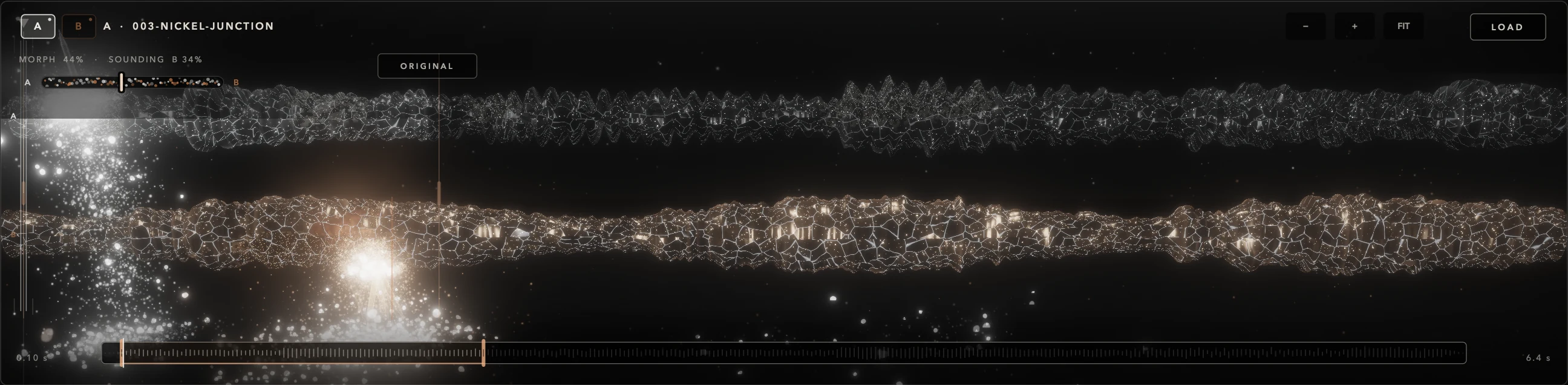
A resonant spectral layer resynthesized from the grain bus. Drag FREEZE upward and the frozen matter grows a crystal that sustains for up to thirty seconds, with an octave of shimmer on top.
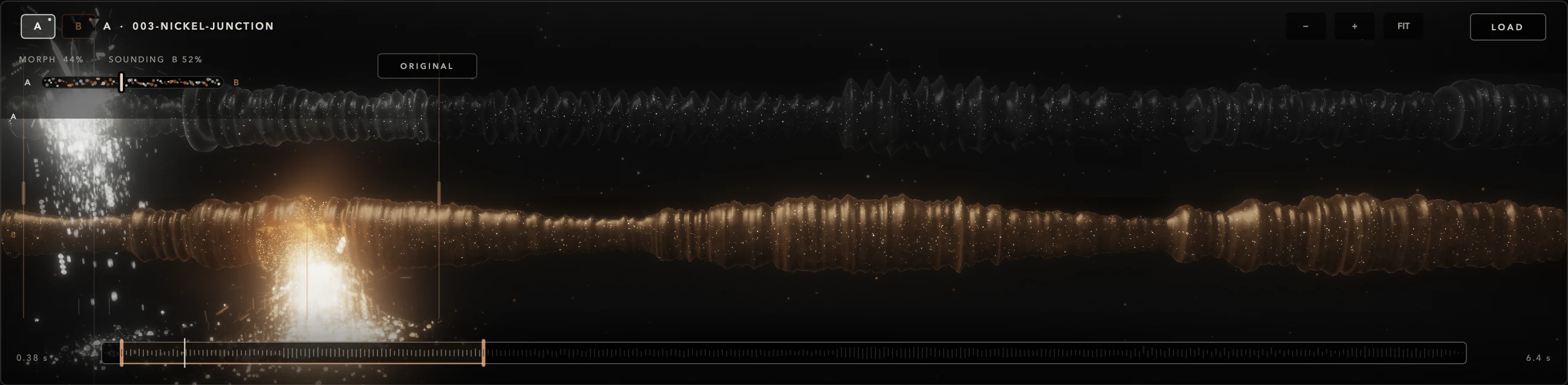
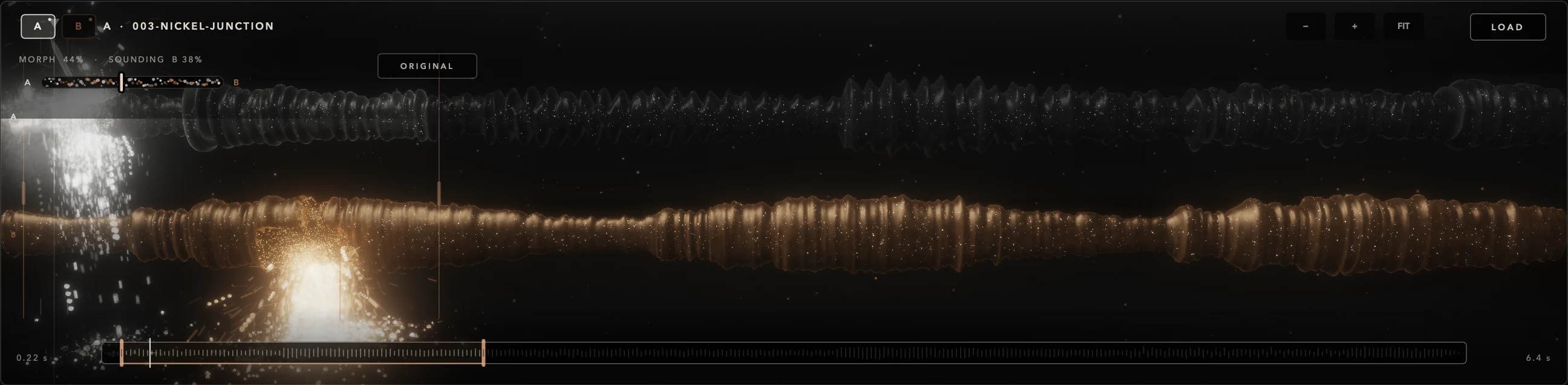
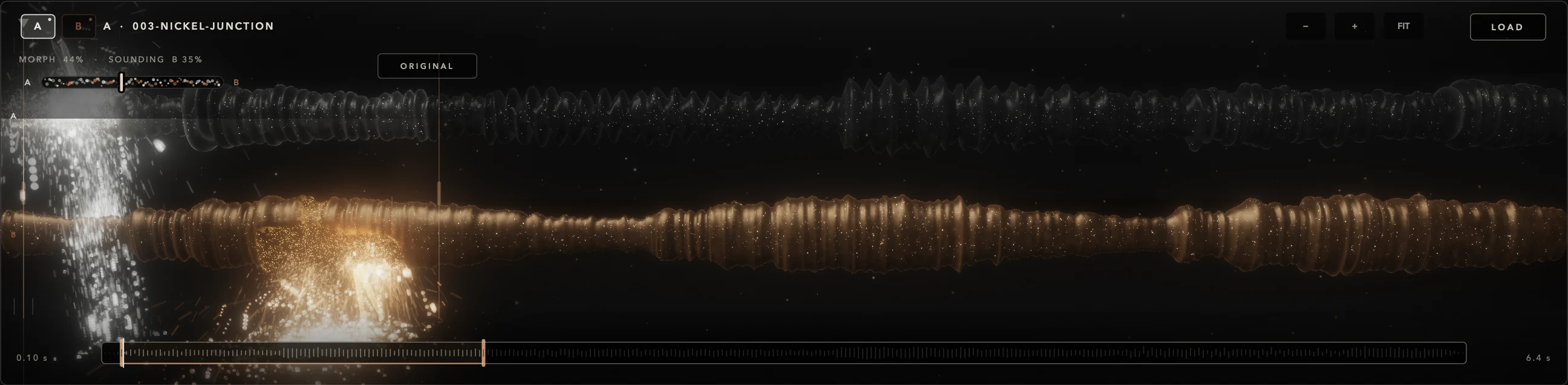
Each press generates a real engine variation — correlated changes to the matter — and glides into it while the readout shows MIGRATING. Shift-click returns to the previous state; the last eight are kept.
Starting state
Where grains are born, what shape they take, how they move and which effects they pass through. Open each tab exactly as you would in the instrument.
Motion, birth and time. Three decisions, in this order:


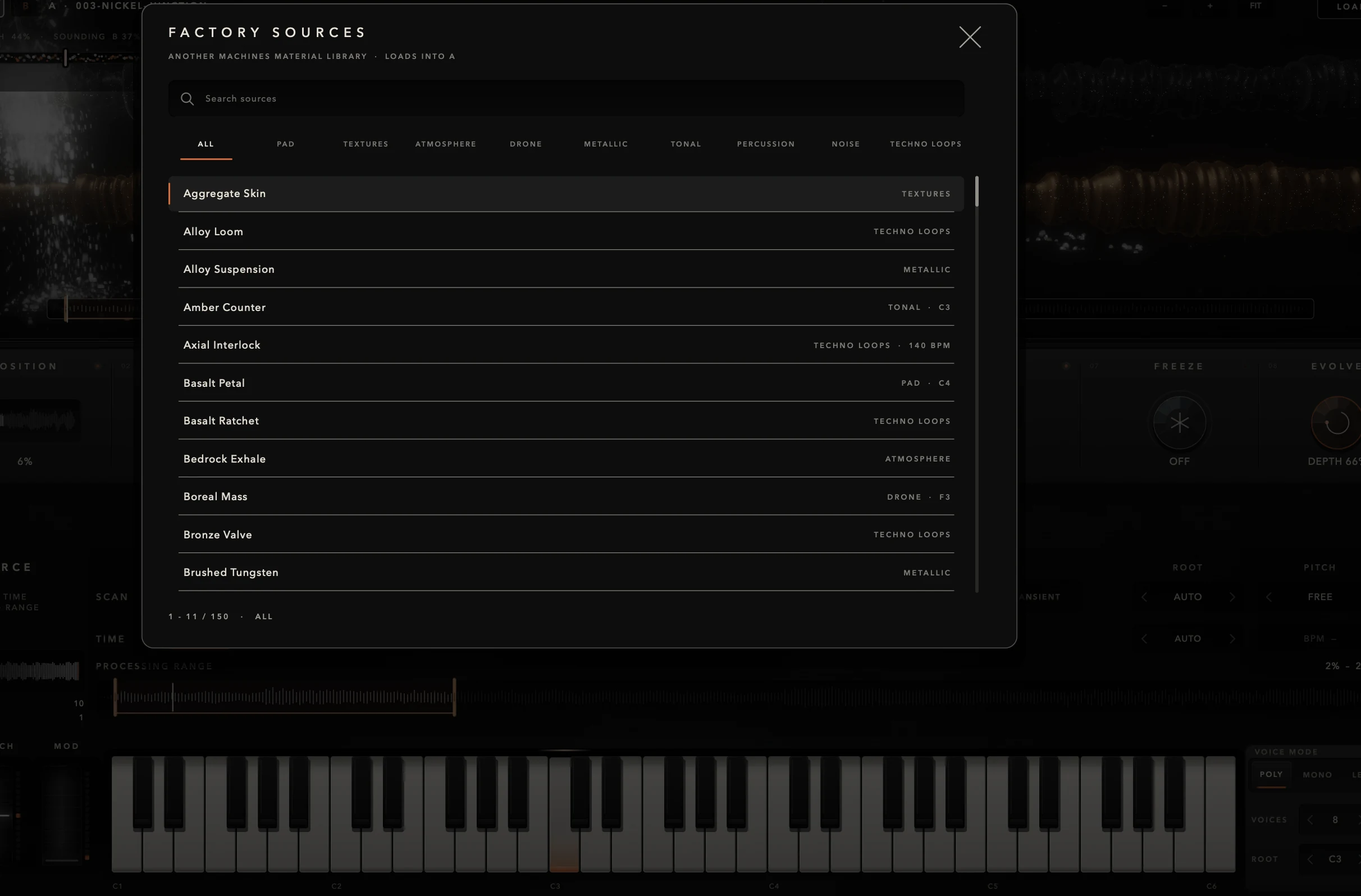
Shape, five transformation processes and the voice envelope. The mode you choose stays active whichever view is open.

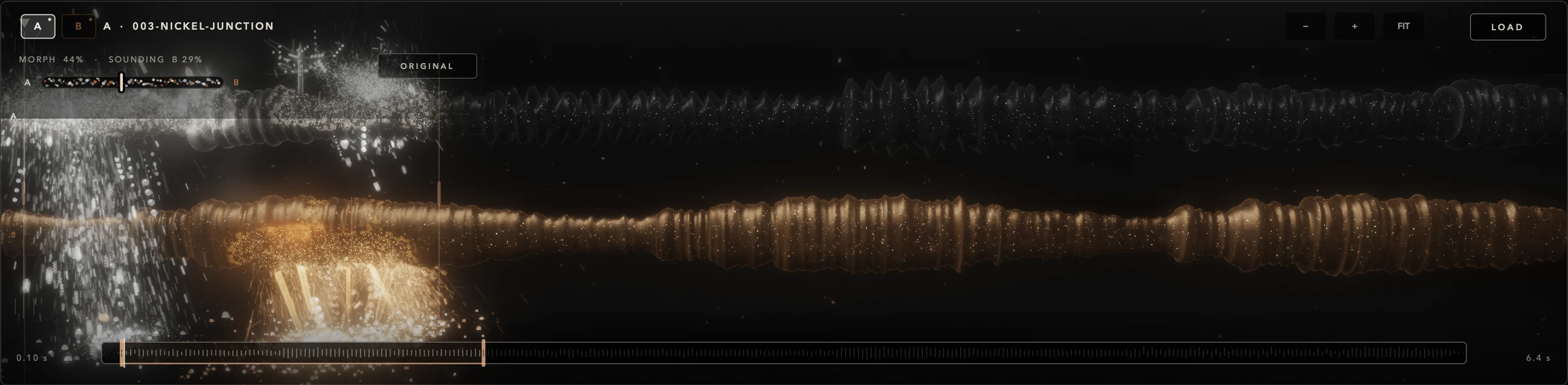
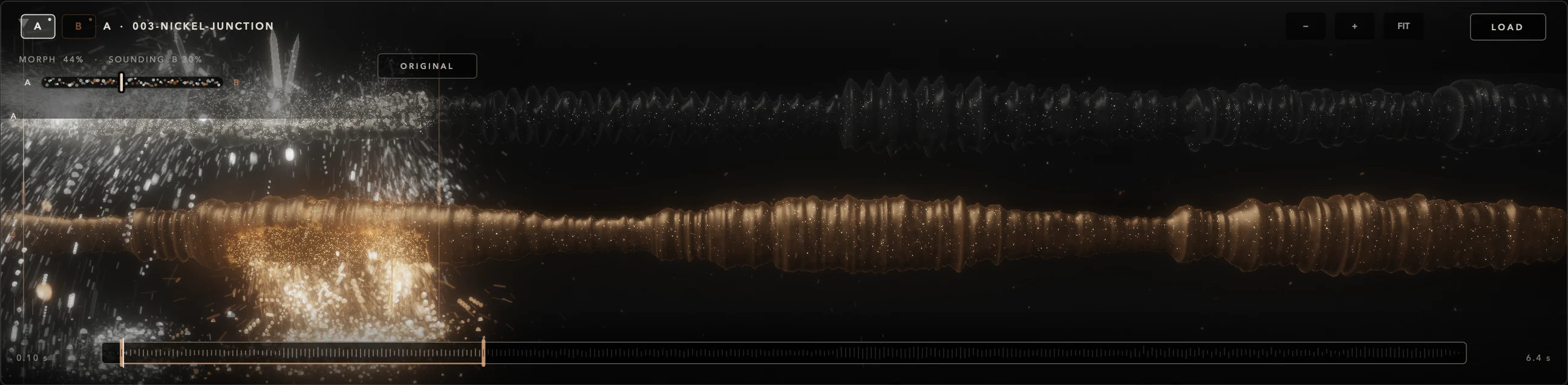
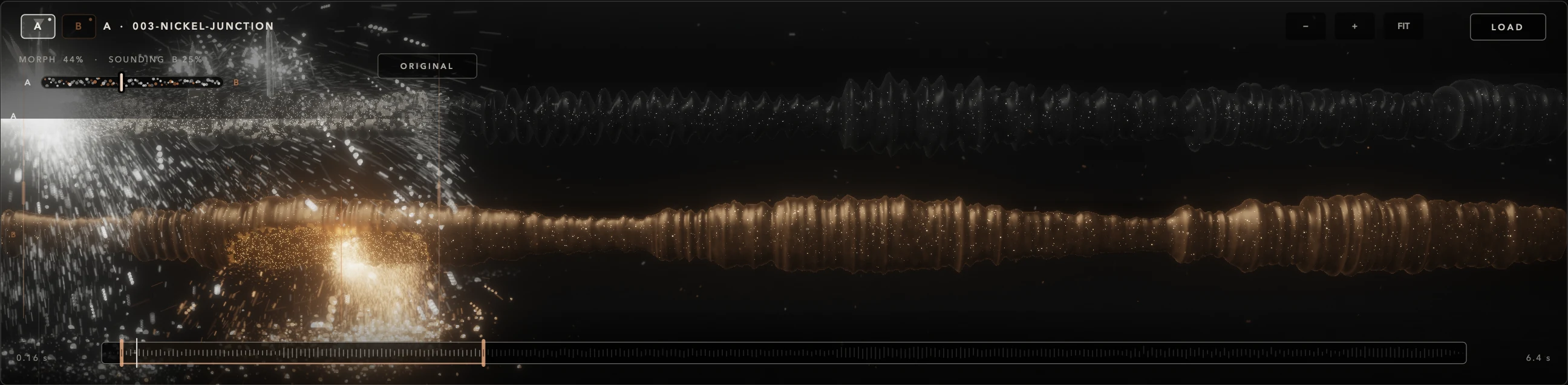






Five modulation sources, each with one target and a depth. Drag a module's handle onto a control to route it.
Targets POSITION · PITCH · SCATTER · FOCUS · SIZE · DENSITY · SMART · GRAVITY · FORMANT · SPREAD · MORPH · SMEAR · GRAIN FILTER · TIME





Seven modules on the output, each with its own bypass dot and a smoothed transition.







Every Factory preset arrives with four named macros, each moving two targets at once. Open PERFORM and play — no hunting for parameters.


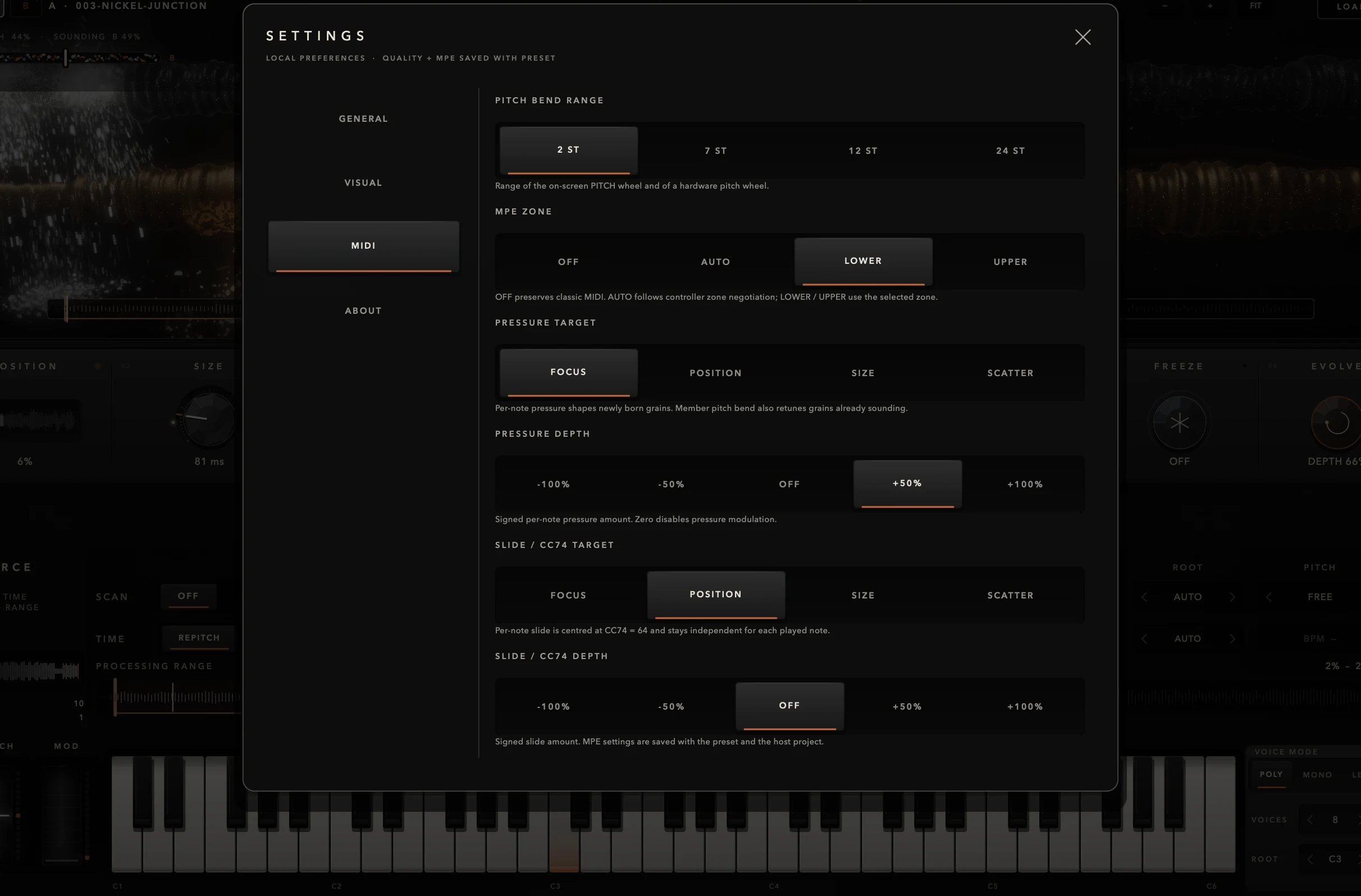
With an MPE controller, every note bends, presses and slides on its own. Pressure reshapes that note's new grains; per-note bend retunes grains already sounding; slide and CC74 move FOCUS, POSITION, SIZE or SCATTER.
Classic MIDI is just as direct: pitch bend of 2, 7, 12 or 24 semitones, and a MOD wheel that scales LFO1.
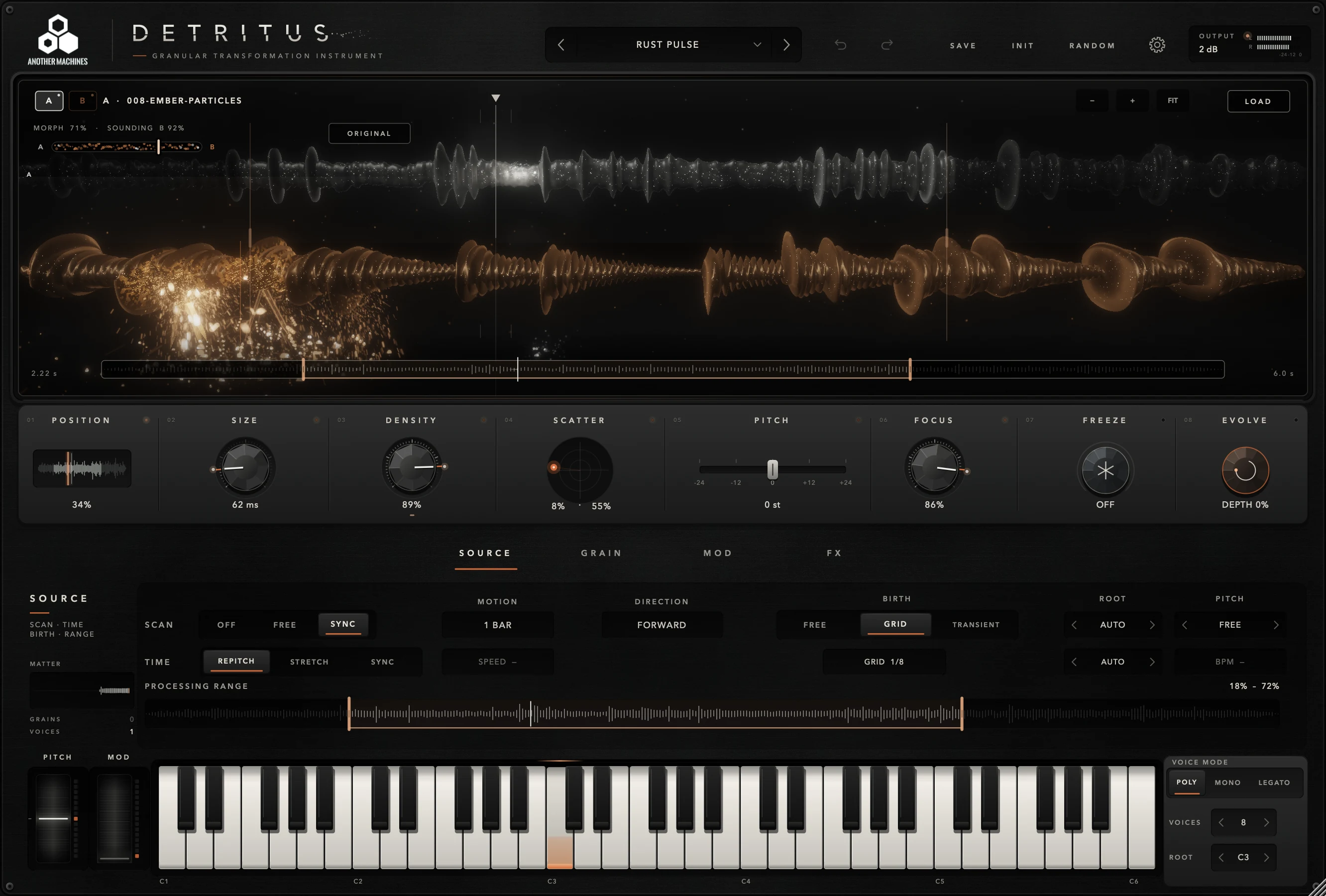
Each Factory preset pairs a source A and a source B into a ready-to-play instrument. The sources are stereo 48 kHz / 24-bit WAV material — and every one of them can be swapped for your own.
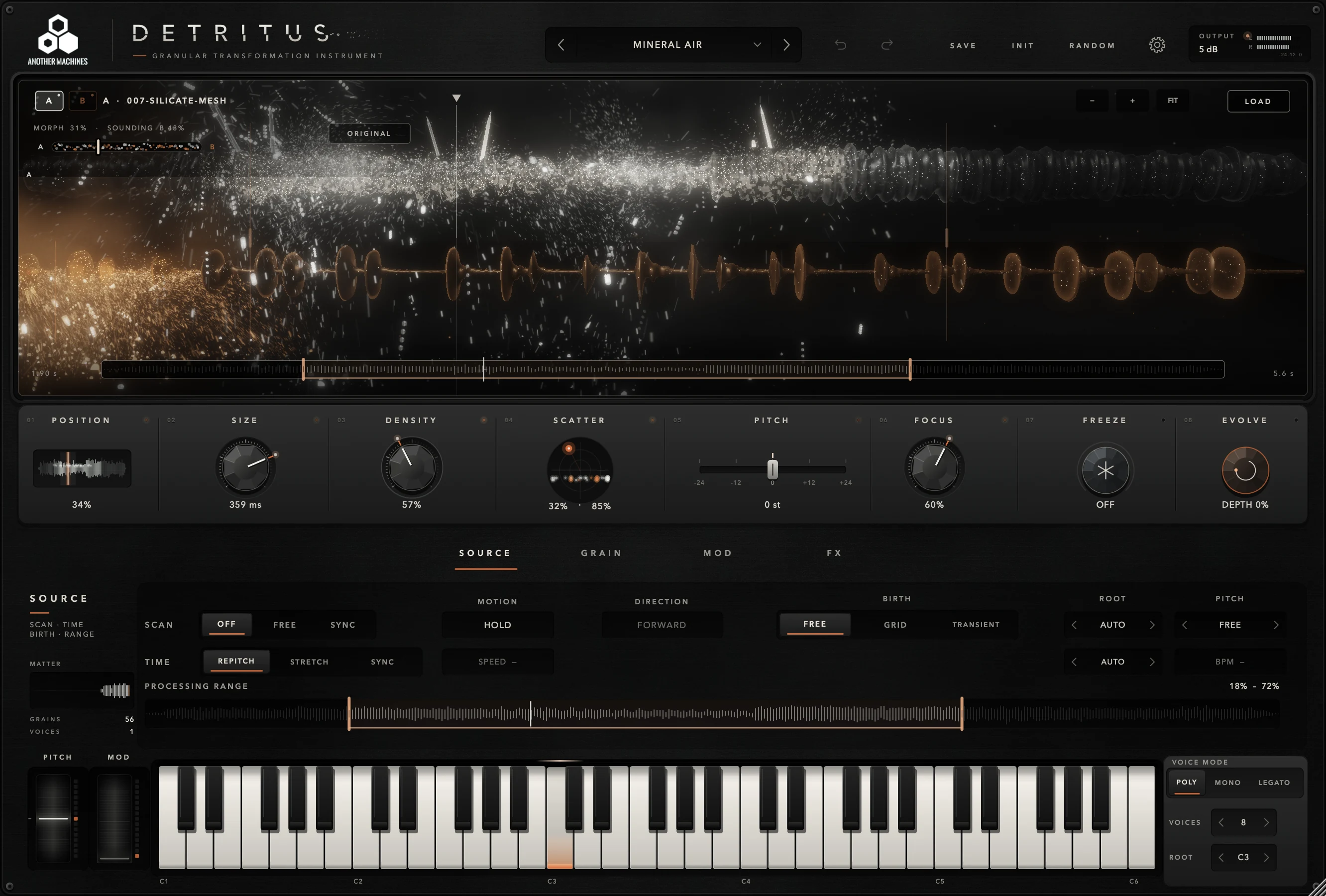
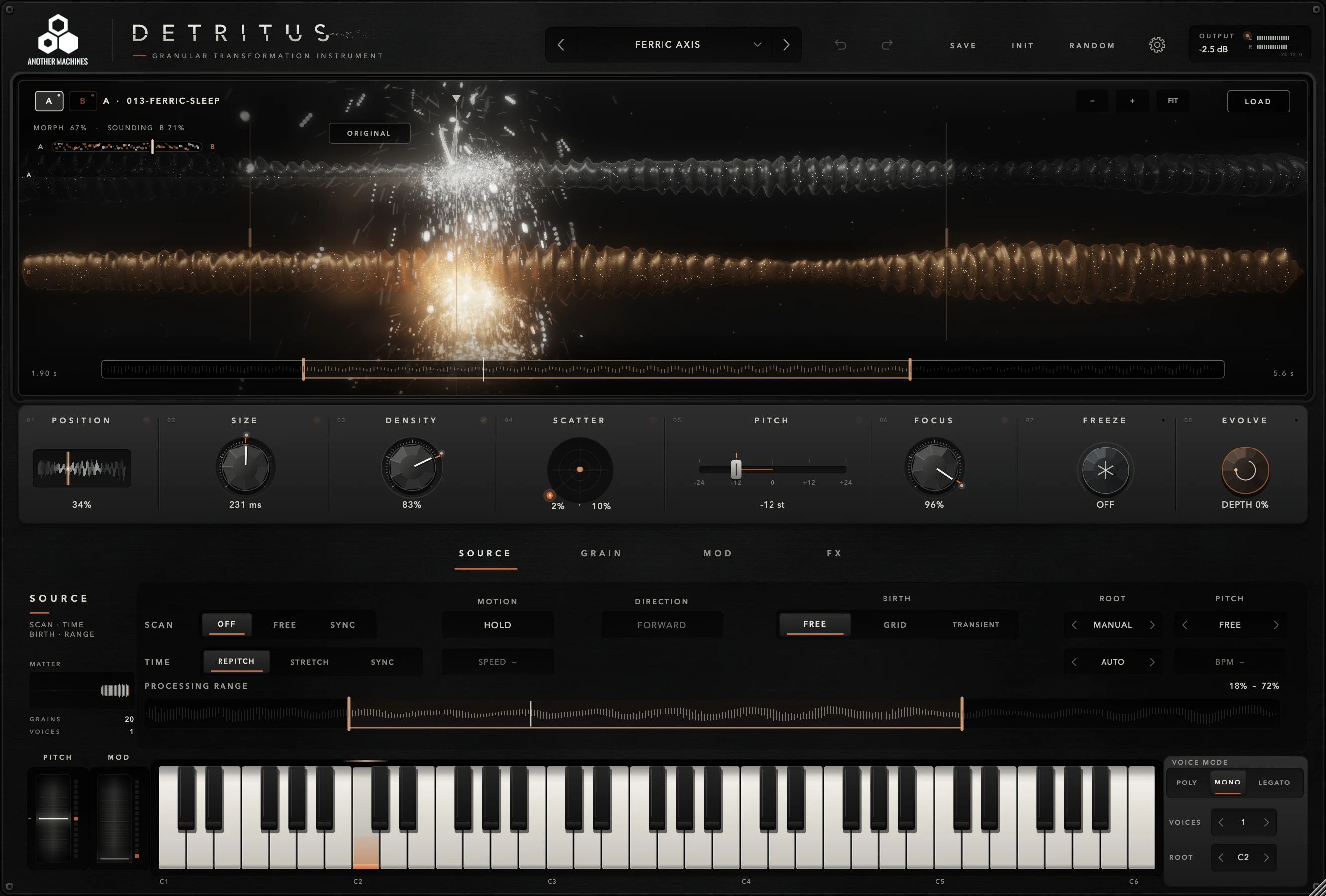
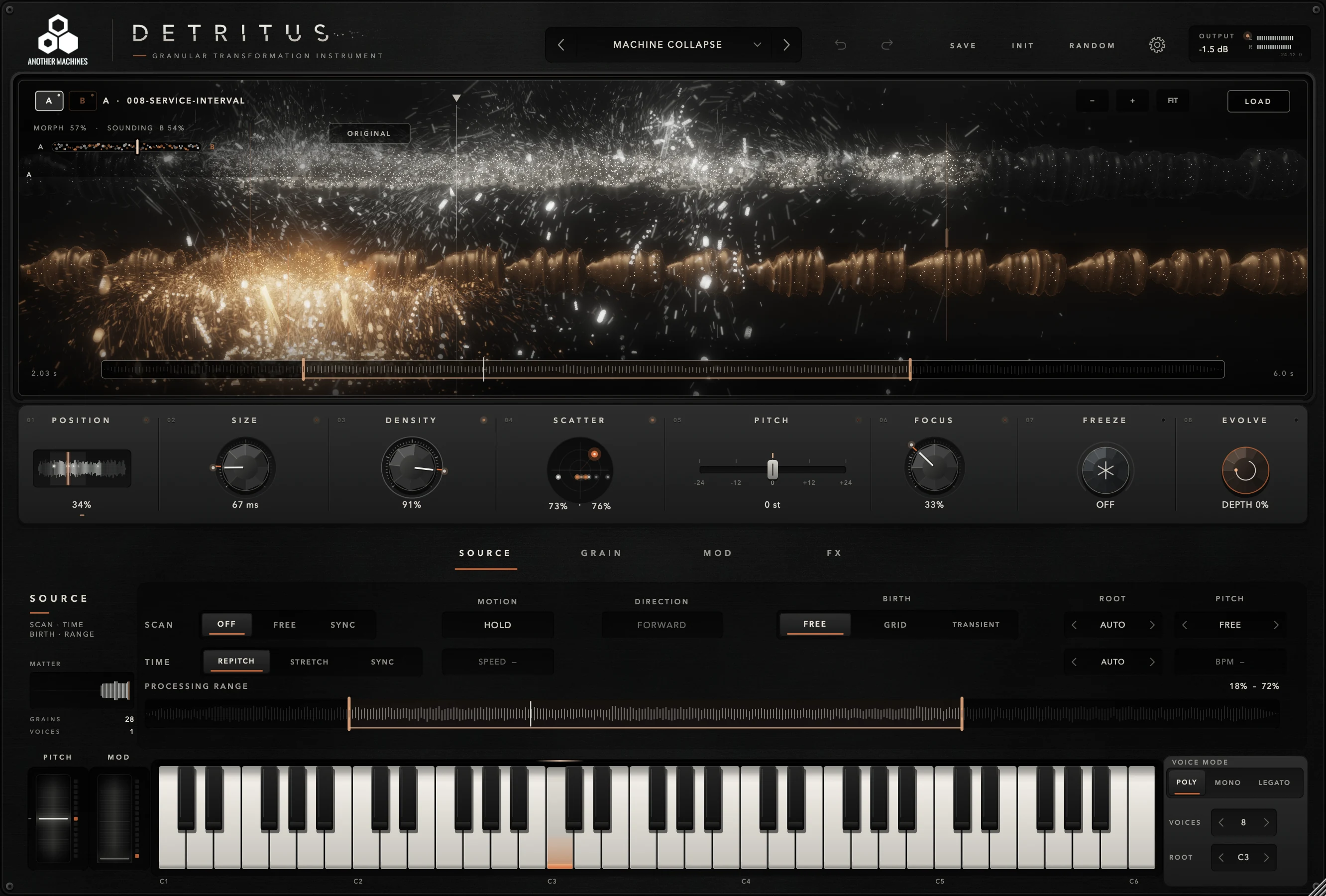
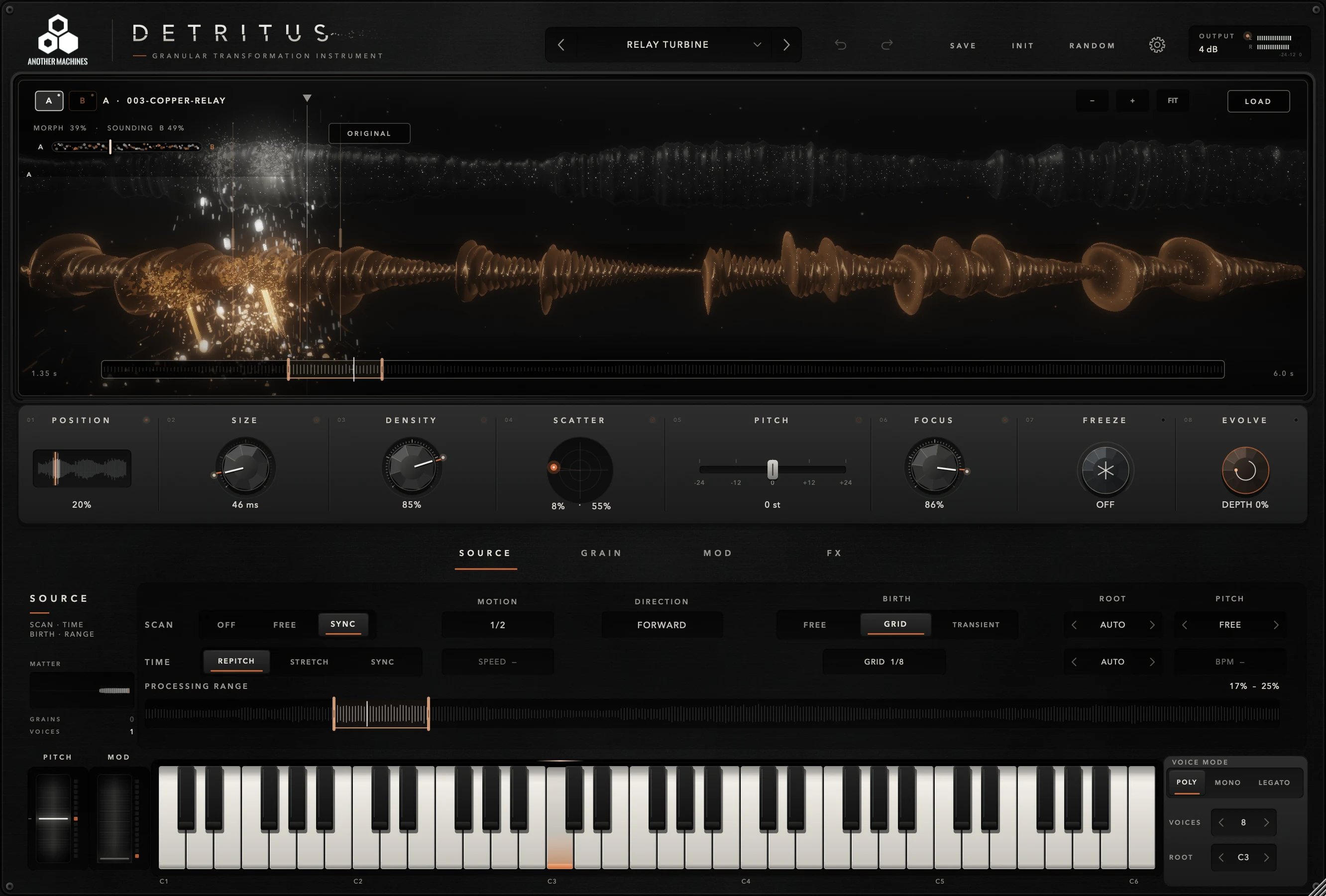
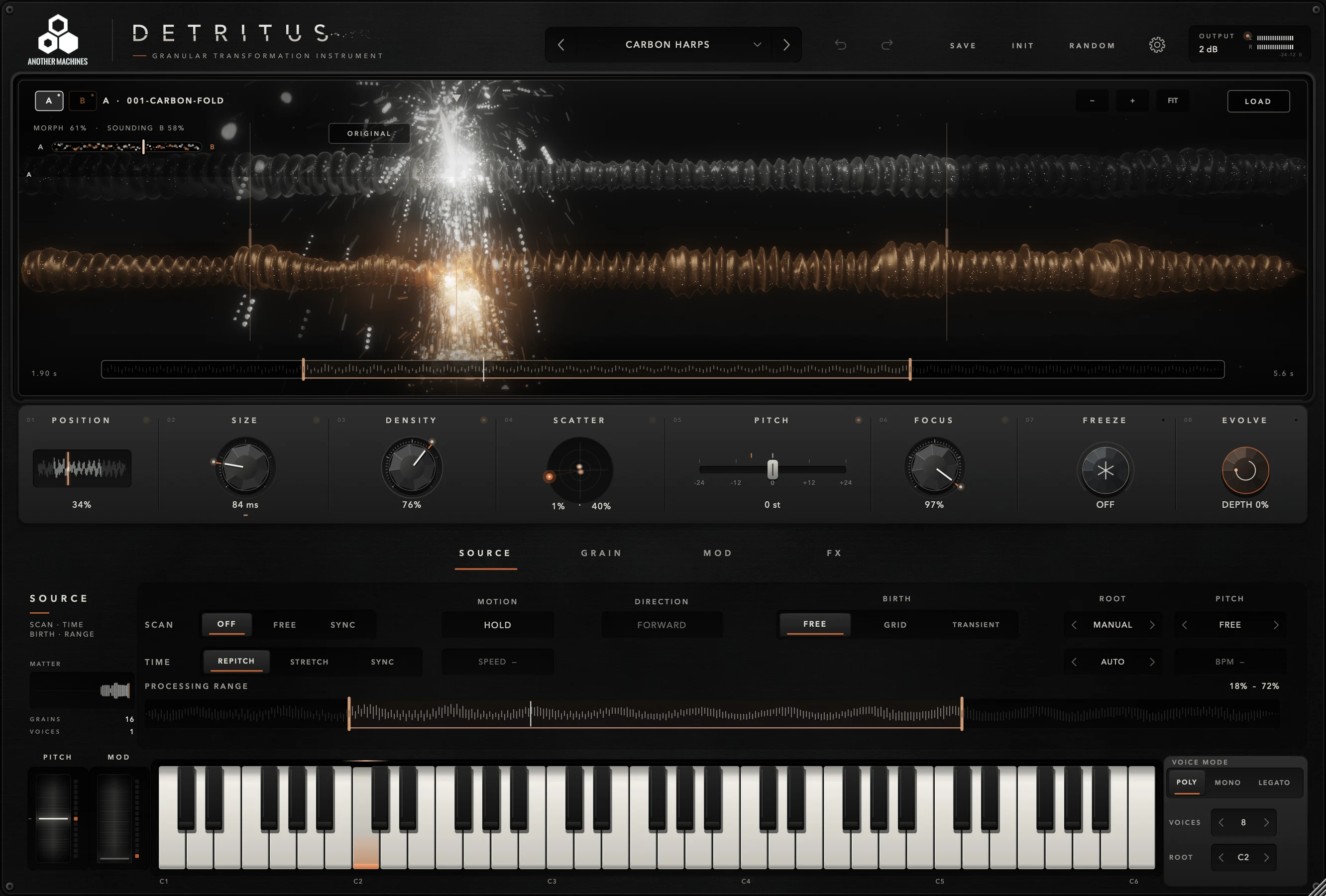
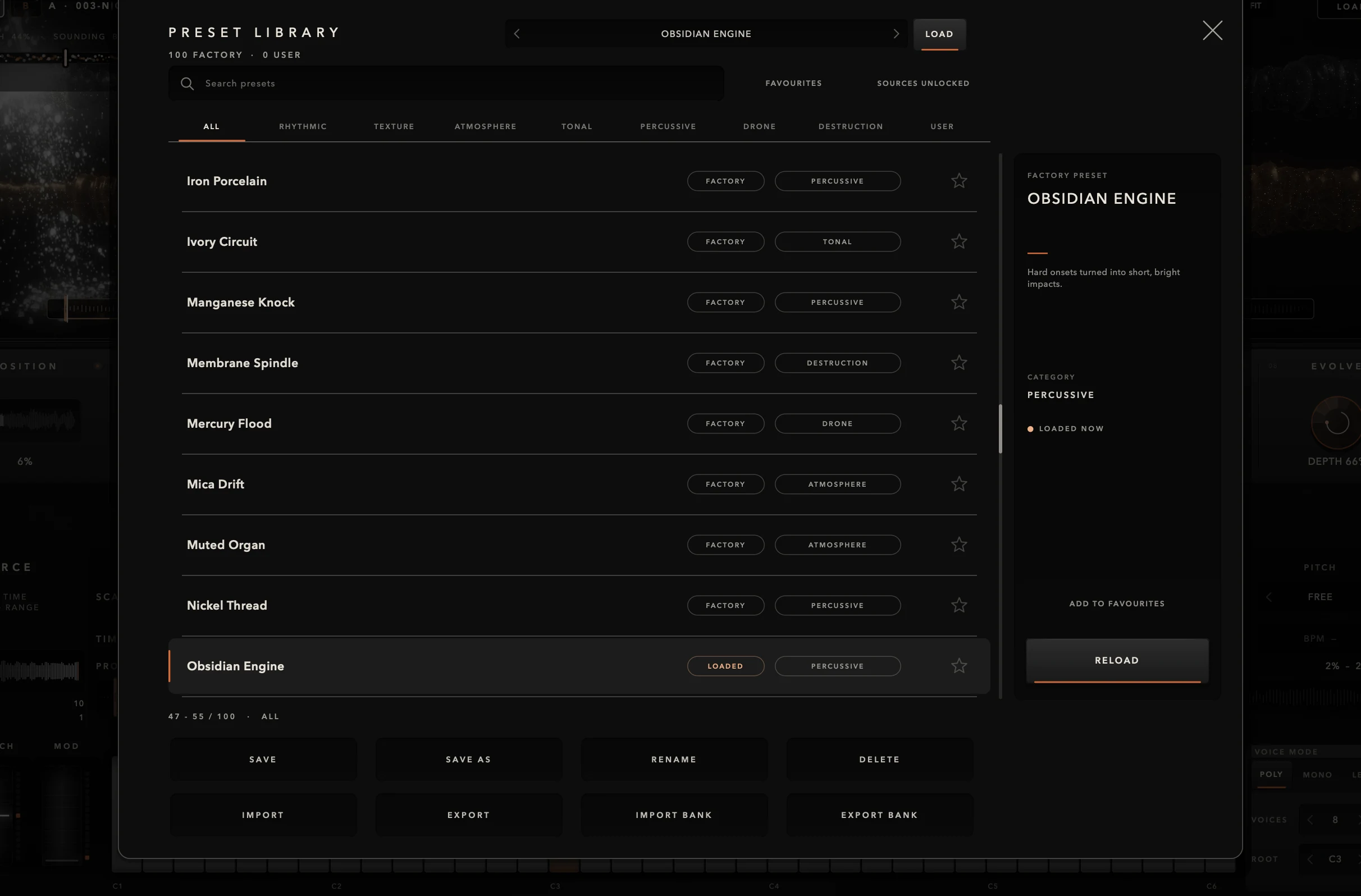
Field recordings, loops, vocals, synths. Load files into A and B, or drop them onto the field. Turn on LOCK A + B and browse the bank: your sources stay, the recipes change.
WAV · AIF · AIFF · FLAC · MP3 · OGG · M4A · AAC
Mono or stereo, up to 30 minutes and 2 GiB per file. DETRITUS works on files; it does not capture live input.
One macOS installer places all three formats and the full Factory bank. Open your DAW and DETRITUS is there, under Another Machines.
An instrument. Insert it on an instrument (MIDI) track and play it with notes. It does not appear in your DAW's list of audio effects.
Yes. Load any WAV, AIF, AIFF, FLAC, MP3, OGG, M4A or AAC file into source A or B, or drop it onto the field. With LOCK A + B you can browse the whole Factory bank over your own material.
No. DETRITUS works on audio files. To use material from your DAW, consolidate or export the clip and load that file.
Yes. DETRITUS is Universal: it runs natively on Apple Silicon and Intel, on macOS 11.0 or later.
No. Everything runs locally. AUTO, SMART and EVOLVE are processes of the engine itself, not AI services.
Yes. Set the MPE zone to AUTO, LOWER or UPPER, then choose where pressure and slide (CC74) go: FOCUS, POSITION, SIZE or SCATTER.
DETRITUS 1.0.0 for macOS. AU, VST3 and Standalone, with 100 presets, 150 sources and the full documentation.