Event Horizon
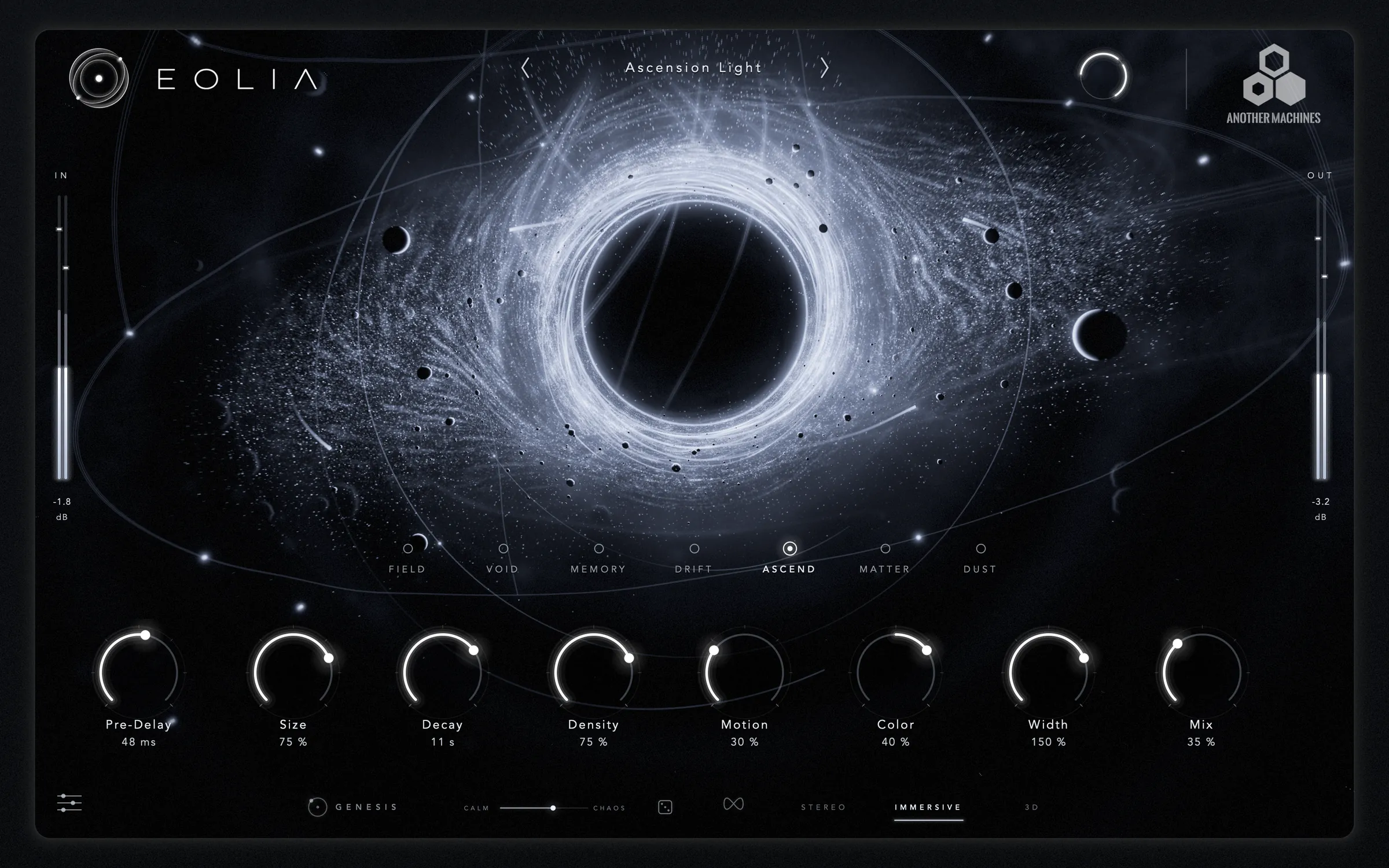
MEMORYThe EOLIA signature: a vast remembering space that blooms around the source.


SPATIAL REVERB · SEVEN ENGINES
A reverb you can see — and play.
Seven acoustic engines inside one living universe. Drag the core to move the listener, spin the ring to turn the space around you, draw a path and let GENESIS fly your sound along it. Everything you see is the reverb itself.
Seven laws of space. One universe you can touch.
EVERY PARTICLE IS DRIVEN BY THE REVERB YOU HEAR01 · Seven engines
Each engine is its own acoustic network with its own character, early reflections and way of moving. Switch between them while the music plays: the tail of the old space releases under the new one, without a click, and the universe changes its laws with it.
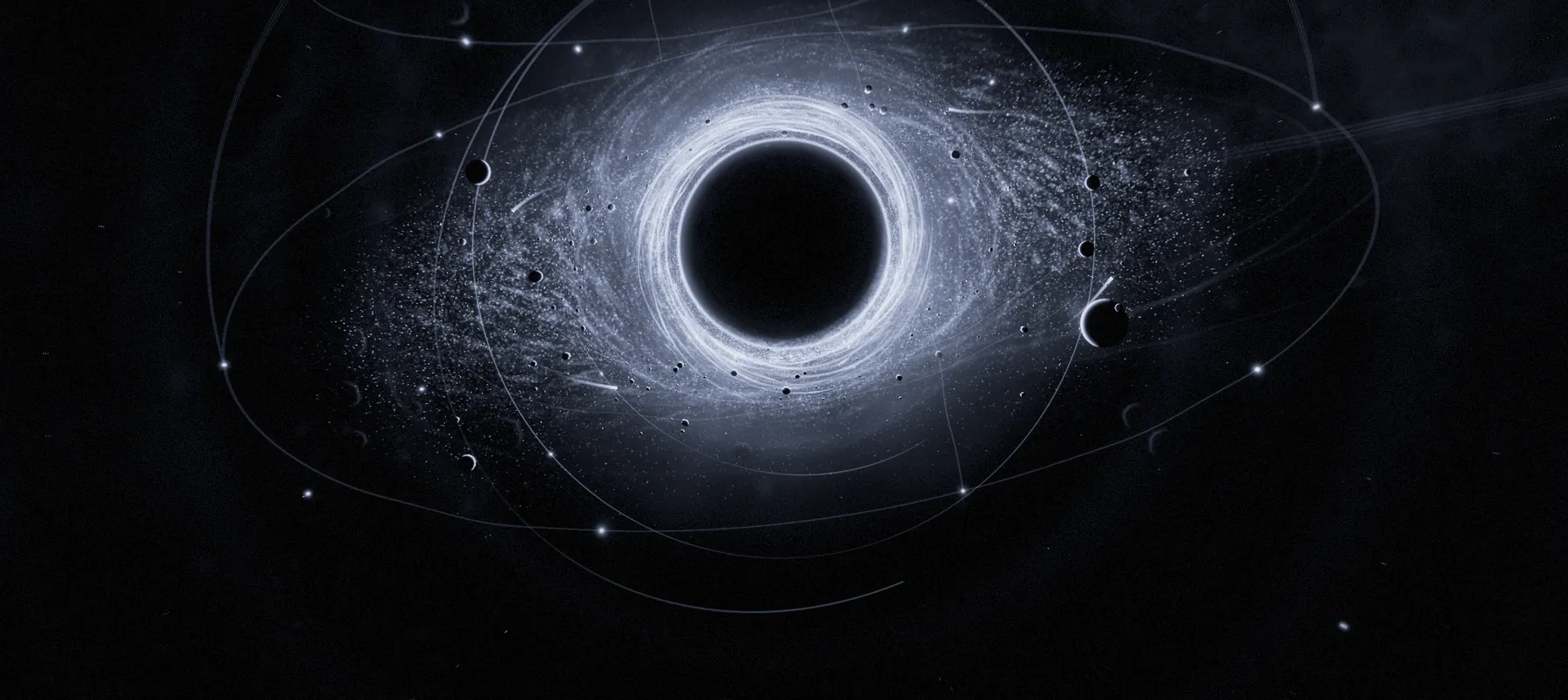



A sixteen-node acoustic network that keeps every node alive through the whole tail. Clean, even and wide, with a smooth build-up and no colouration you did not ask for. The space for anything that has to sound true and expensive.
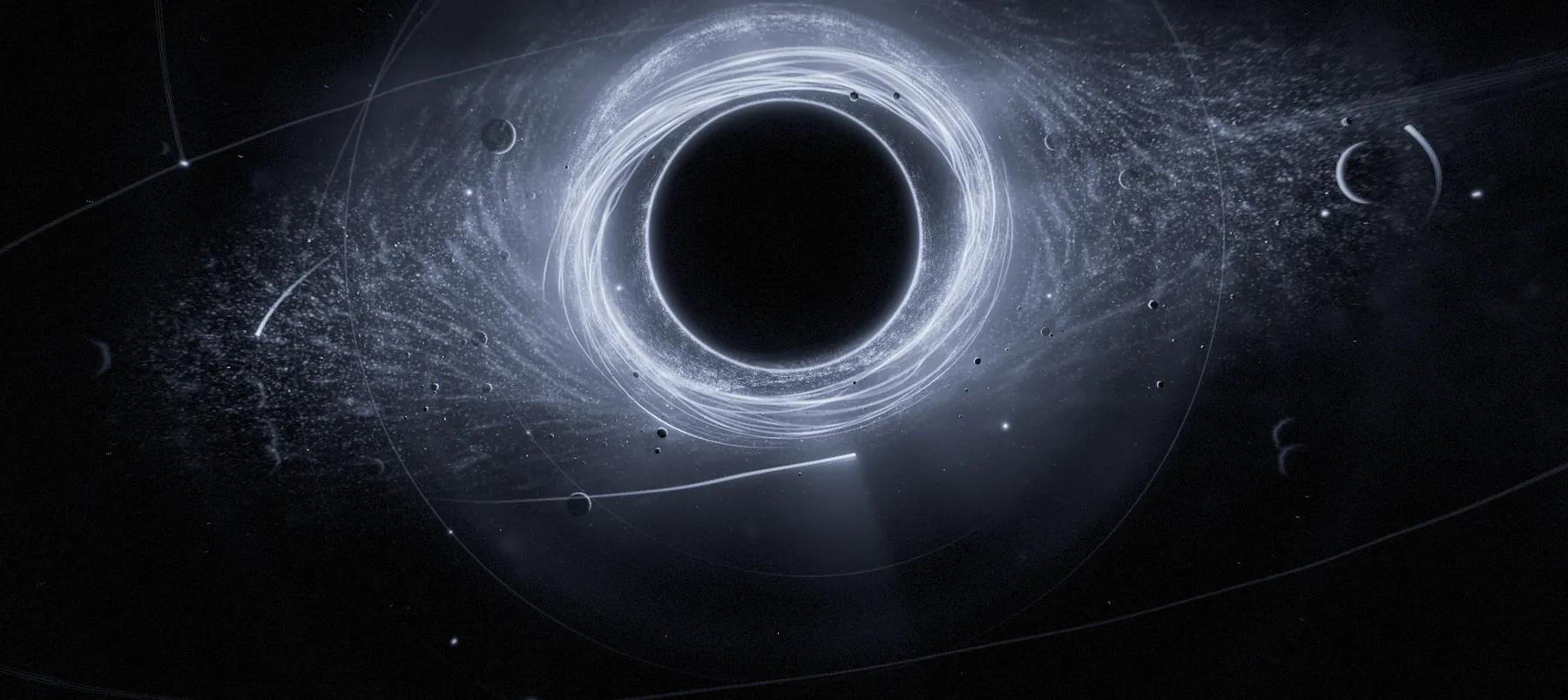
Two spatial chambers exchange their complete field through a lossless junction. The tail opens after the sound — dark, distant and enormous — and blooms around the source instead of covering it.
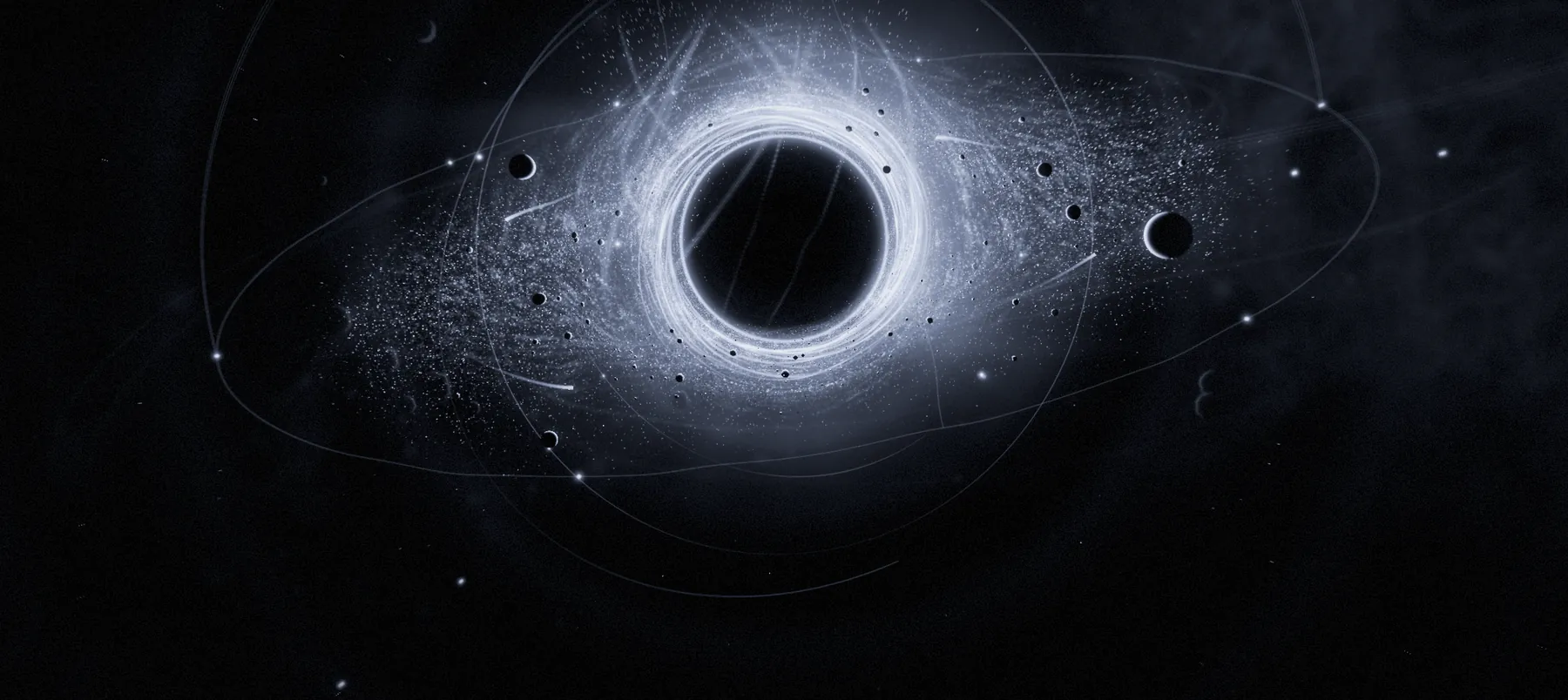
Current, history and rear layers. What you just played returns as tape-soft recollections, ping-pong echoes that darken with every pass and reversed fragments of the recent past — the signature EOLIA sound.
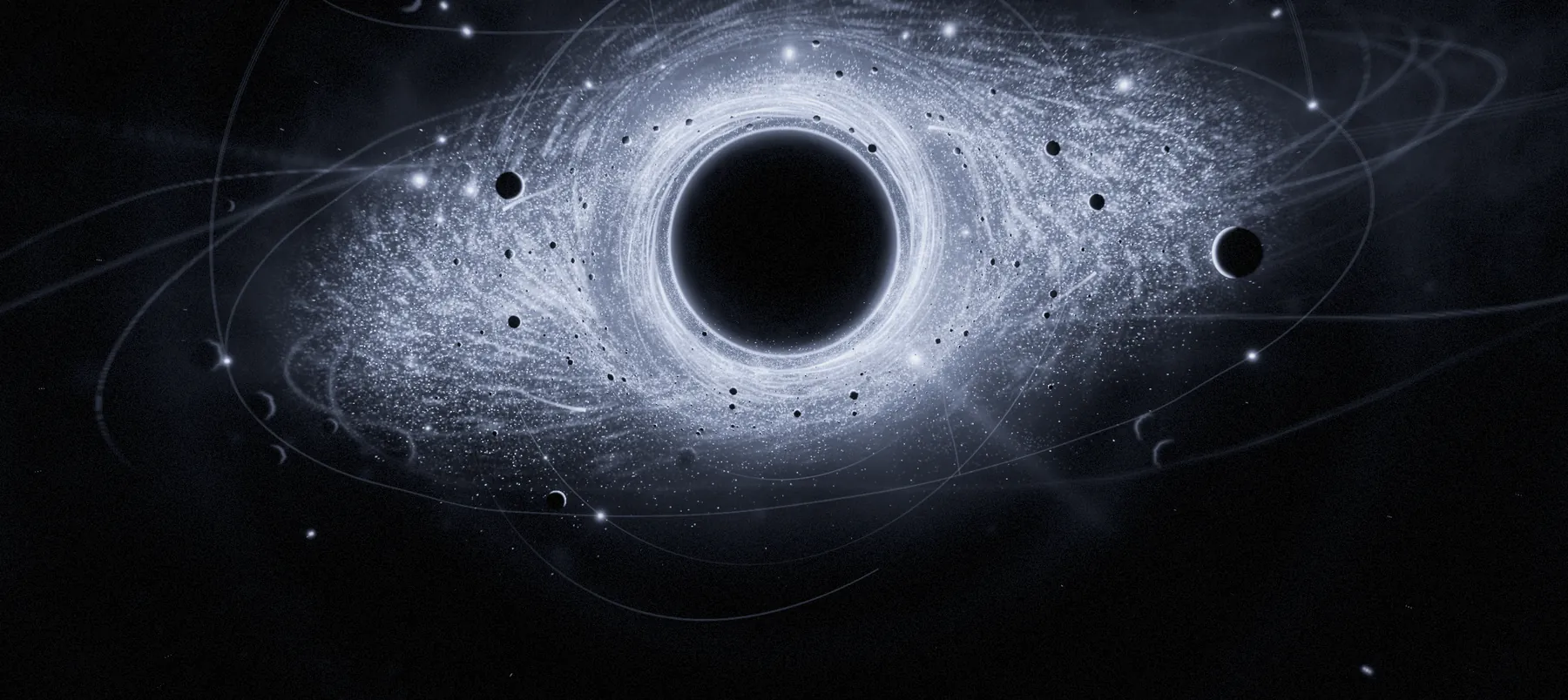
Four layers of lossless junctions move independently, so the tail wanders across the whole image while you listen — always alive, never pumping, never detuned.
A spectral shimmer climbs above the mix in fifths and octaves while three resonances rise through the tail. Space Y sets the interval; COLOR opens it into air.
Twelve short body paths scatter like a dense material. Transients hit harder and break into a heavy, close cloud — weight for drums, impacts and anything that should feel solid.
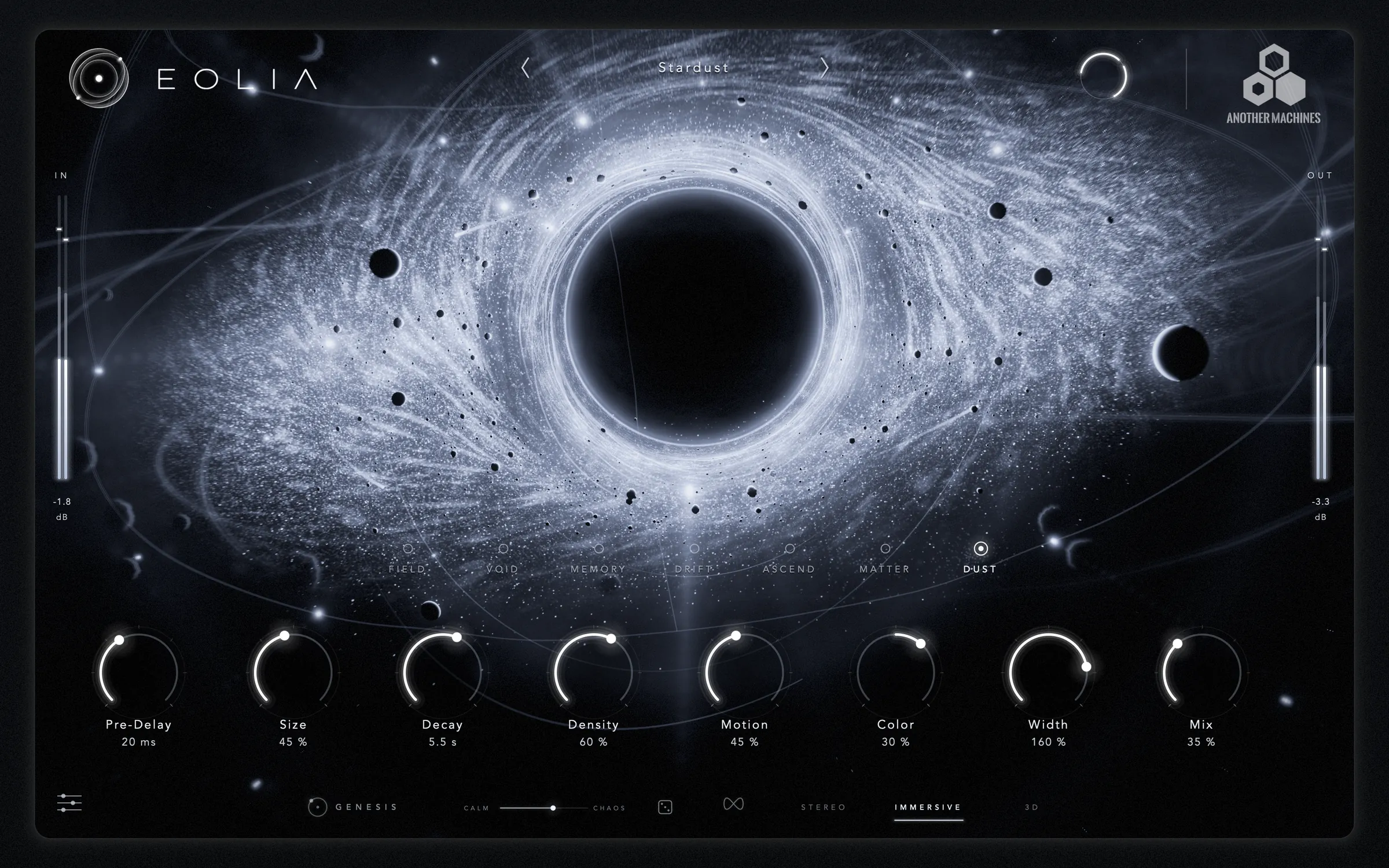
Your sound is caught in an eight-second memory and played back as up to forty-eight grains, each from its own point around you, feeding a diffuse tail that keeps evolving. New in 1.0.0.
02 · New engine
A granular reverb written from scratch for EOLIA. Every grain you hear is a point of light you can see, thrown out from the core in the direction it sounds from.
Grains are read from the last eight seconds of your audio — forwards or reversed, at musical intervals — and placed around you in the immersive room. They feed a wide, diffuse tail whose echo returns to the memory, so the cloud keeps evolving. Hold the core and the memory freezes: the grains go on playing what was heard, indefinitely. With your DAW playing and MOTION low, grains fall on the beat.
03 · GENESIS
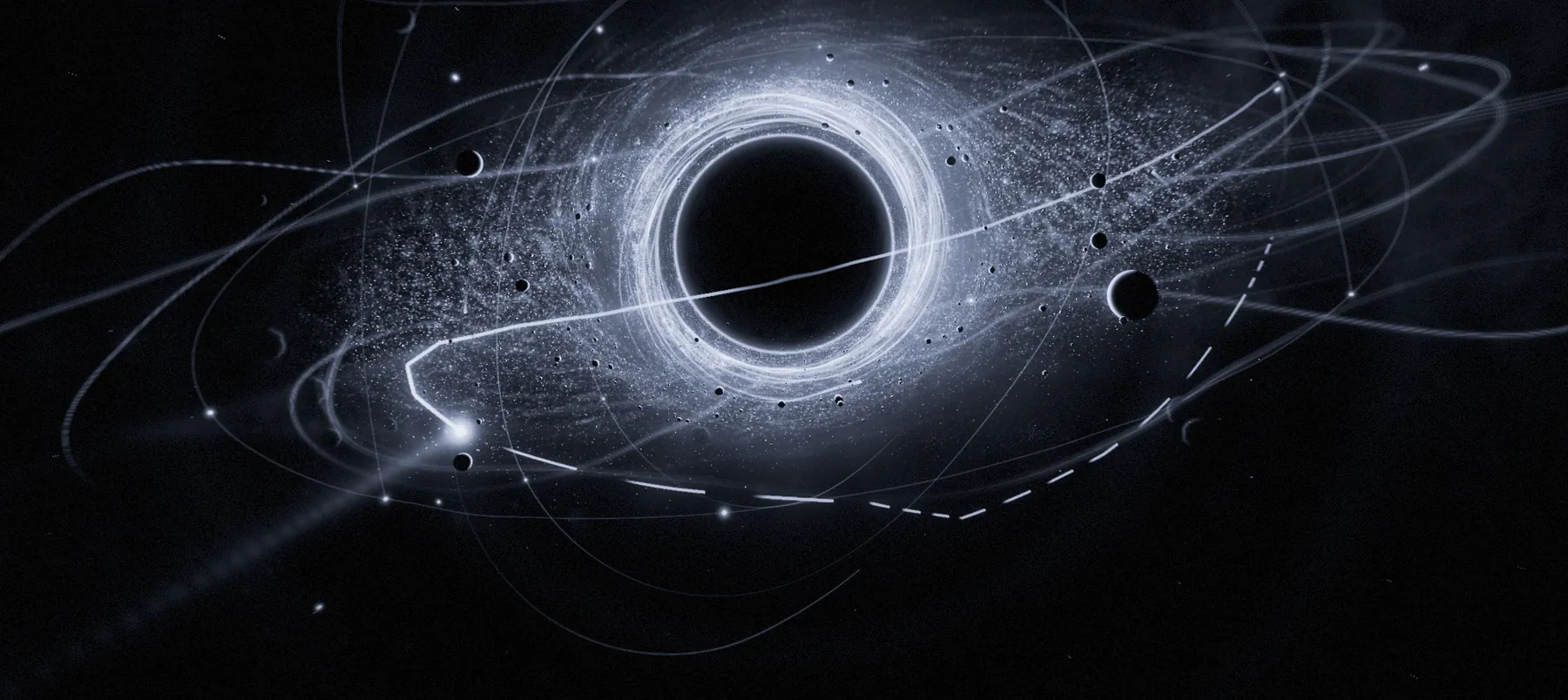
Switch GENESIS on and the reverb starts its own spatial choreography. It hears silence, calm passages, grooves, builds, drops and breaks, and answers each with figures that orbit, swing, scatter, rise and suspend — locked to your tempo and identical on every bounce.
Draw the space
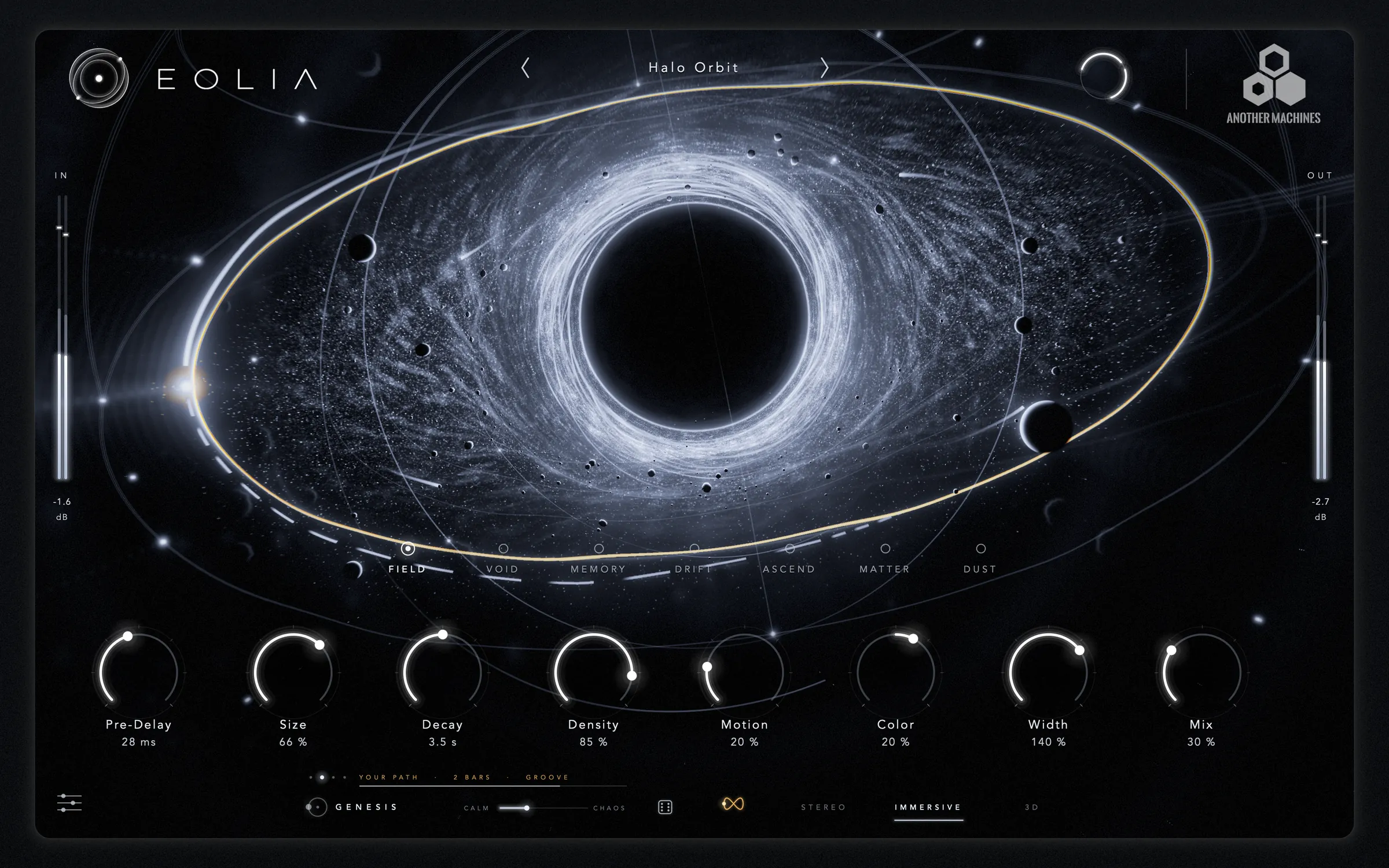
Tap PATH and draw. The stroke becomes a loop of one to eight bars that GENESIS replays in time with the track: in front, behind, close, far away. Turn CALM toward CHAOS and each repetition rotates and breathes a little. Roll the dice for a new choreography — or for a new turn of your own path.
Deterministic by design. The same seed and the same song position always produce the same motion, so automation, bounces and stems line up exactly.
04 · Immersive · 3D
EOLIA renders its tail into a virtual 7.1.4 room — seven speakers around you and four above — and folds it back to ordinary stereo. Nothing to configure, no special tracks, no Atmos renderer.
STEREO. A classic stereo reverb image between your two speakers — every engine, every gesture, nothing folded down.
IMMERSIVE. The tail is spread over eleven virtual speakers, including the height layer, and rendered to stereo. It works on speakers and headphones in every host.
3D. Binaural rendering for headphones: interaural time, head shadow and elevation cues place the room around and above you. Any headphones, no head tracking and no special permissions.
05 · The universe is the instrument
The knobs are all there — but the fastest way to shape EOLIA is to reach into it. Tap a marker to see what each region plays.
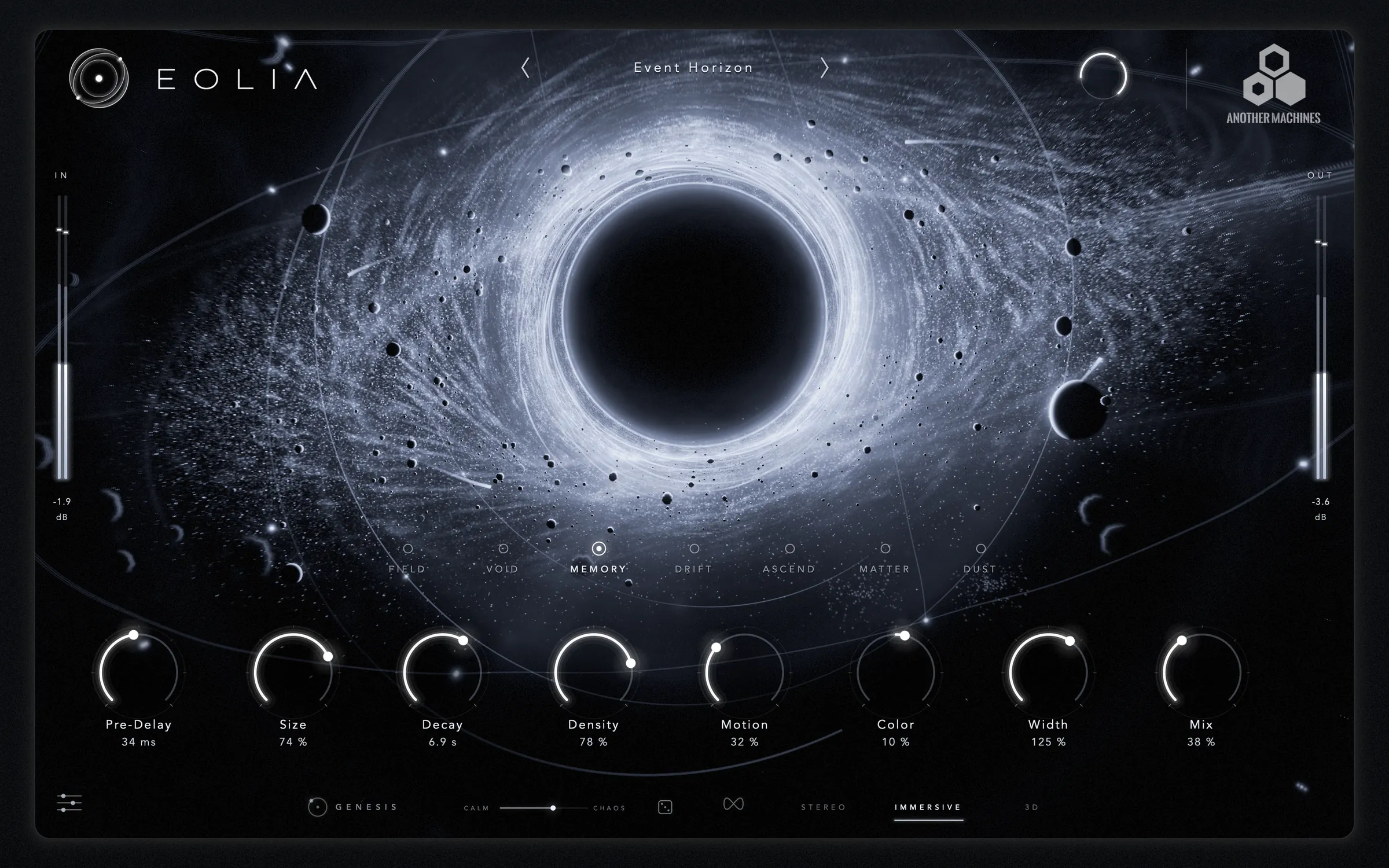
Drag to move the listener through the space — throw it and it keeps drifting. Scroll or pinch for scale. Hold to freeze. Double-click to reset.
Drag outward for size. Spin it like a turntable and the whole tail turns around you — and keeps turning when you let go.
Sideways for width, up and down for density.
Up and down for decay, sideways for colour. Hold still and gravity pulls the sound toward your hand; let go and it springs home. With DUST, your hand plays the grain cloud.
Pinch for scale, move together to turn the view, twist to spin the space.
06 · Smart Listen
Click the EOLIA emblem and play. EOLIA waits for your sound, listens to two bars and recognises what it hears — voice, kick, snare, drum loop, bass, synth, pad or a full mix — then builds the space around it.
With your DAW running, pre-delay lands on a note value and the tail on a musical length. On a 100 % wet send, the send level is left alone. Analysis happens entirely on your Mac; nothing is recorded or uploaded.
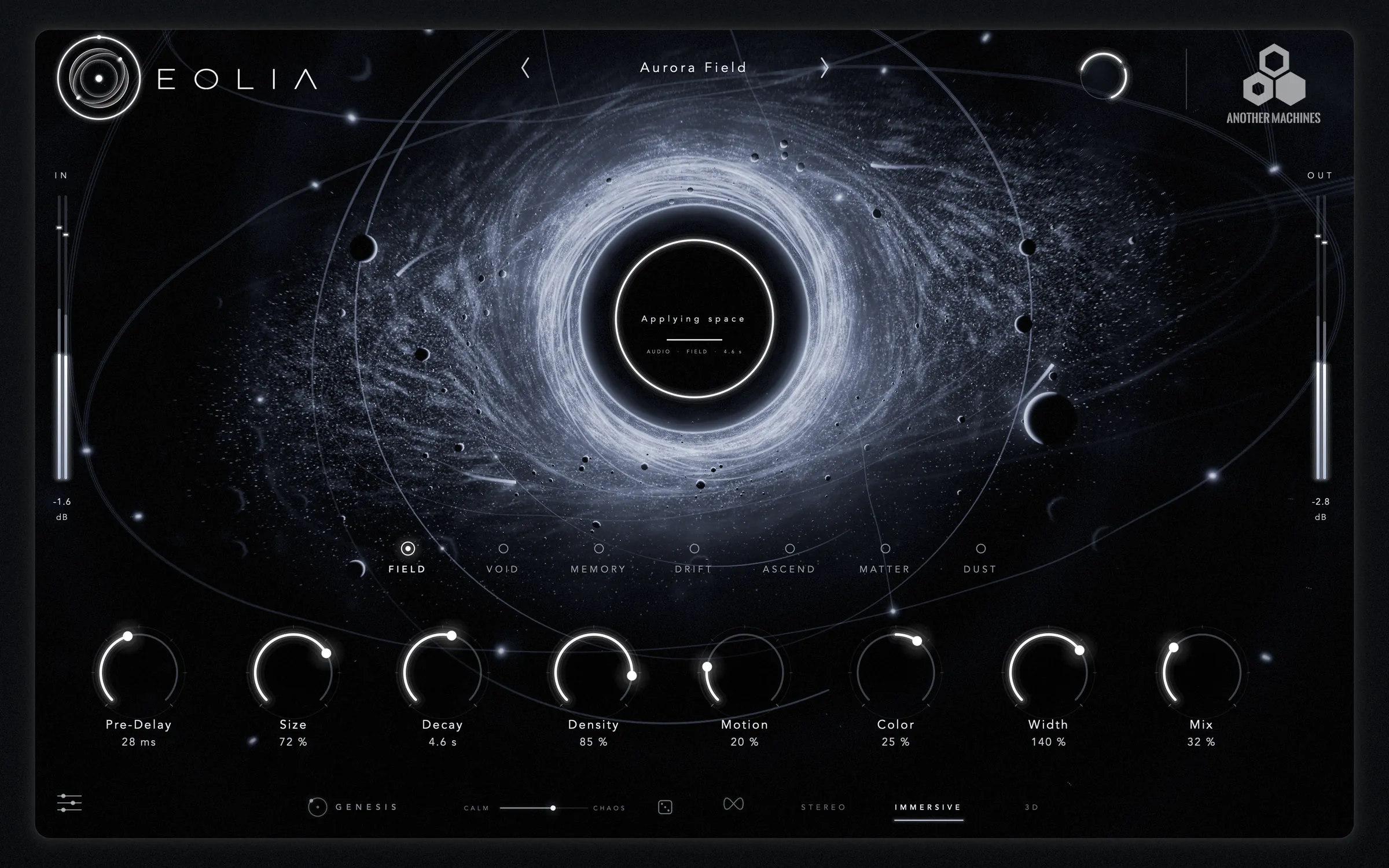
Freeze · Duck · Orbit
Freeze holds the space in the air for as long as you want. Duck lets the tail breathe around the source. Low and high cut shape the wet signal only. Orbit turns the tail around the listener, clockwise or counter-clockwise. IN and OUT trims sit on the meters themselves — drag them, double-click for 0 dB.
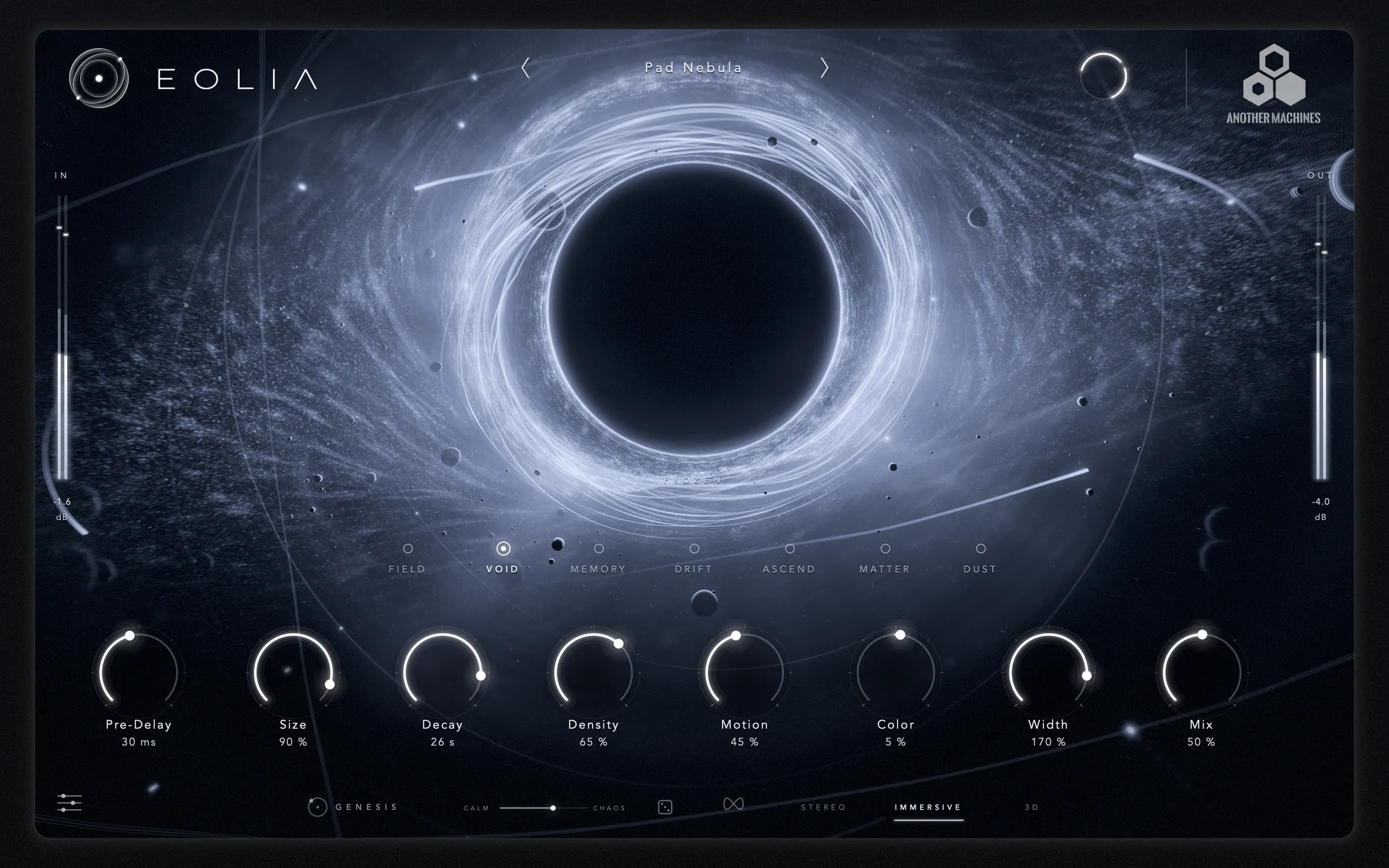
In your DAW
Audio Unit and VST3 for Ableton Live, Logic Pro, Bitwig Studio, Cubase, Studio One, REAPER and every other compatible host. Zero latency, every parameter automatable, and the complete state — down to a drawn path — saved with your project.
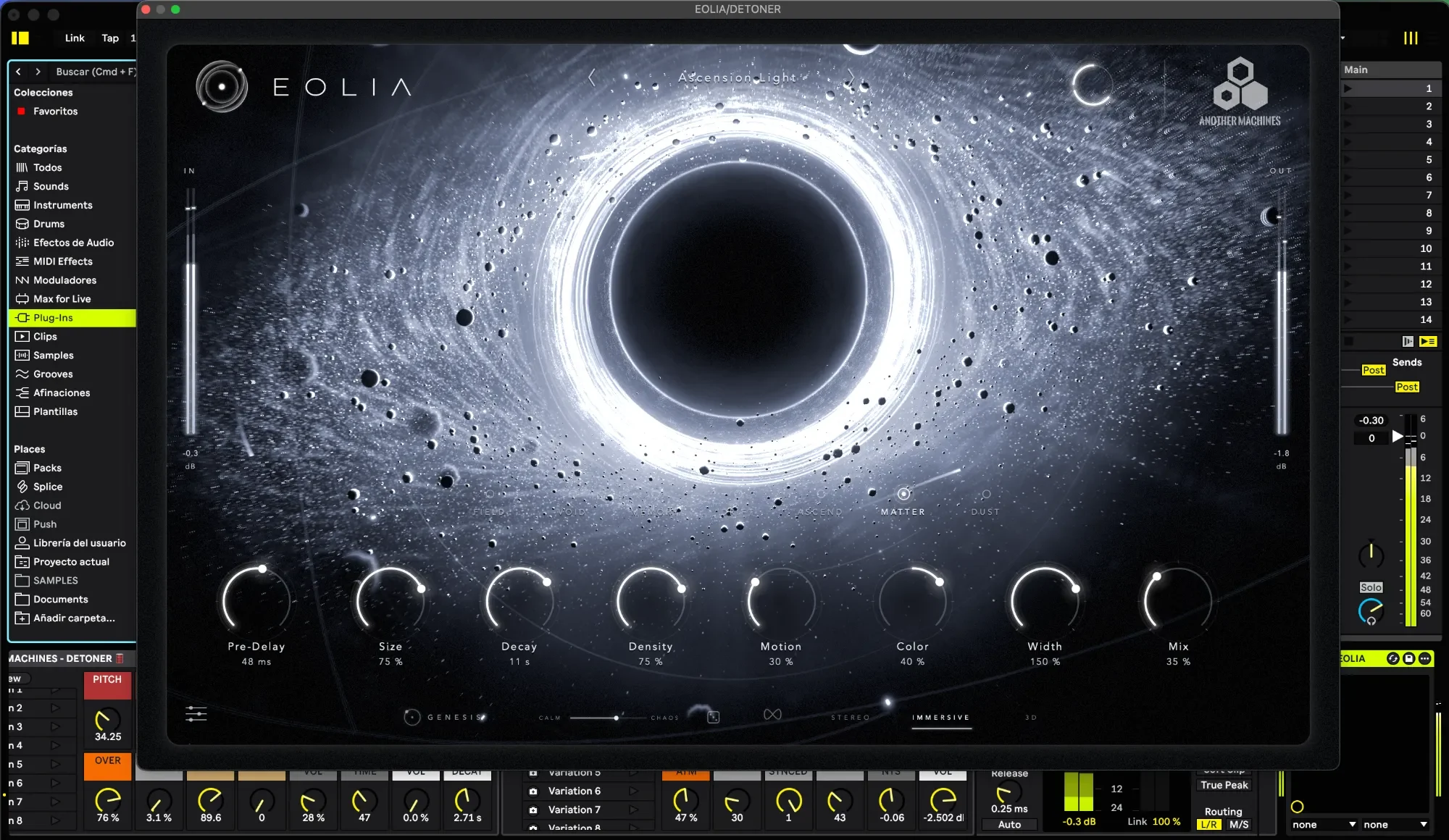
07 · Interface
A Metal renderer draws the disk, the dust, the shock rings and the light trails sixty times a second from EOLIA's own telemetry. Visual quality adapts automatically, and the interface scales to 85, 100 or 120 %.
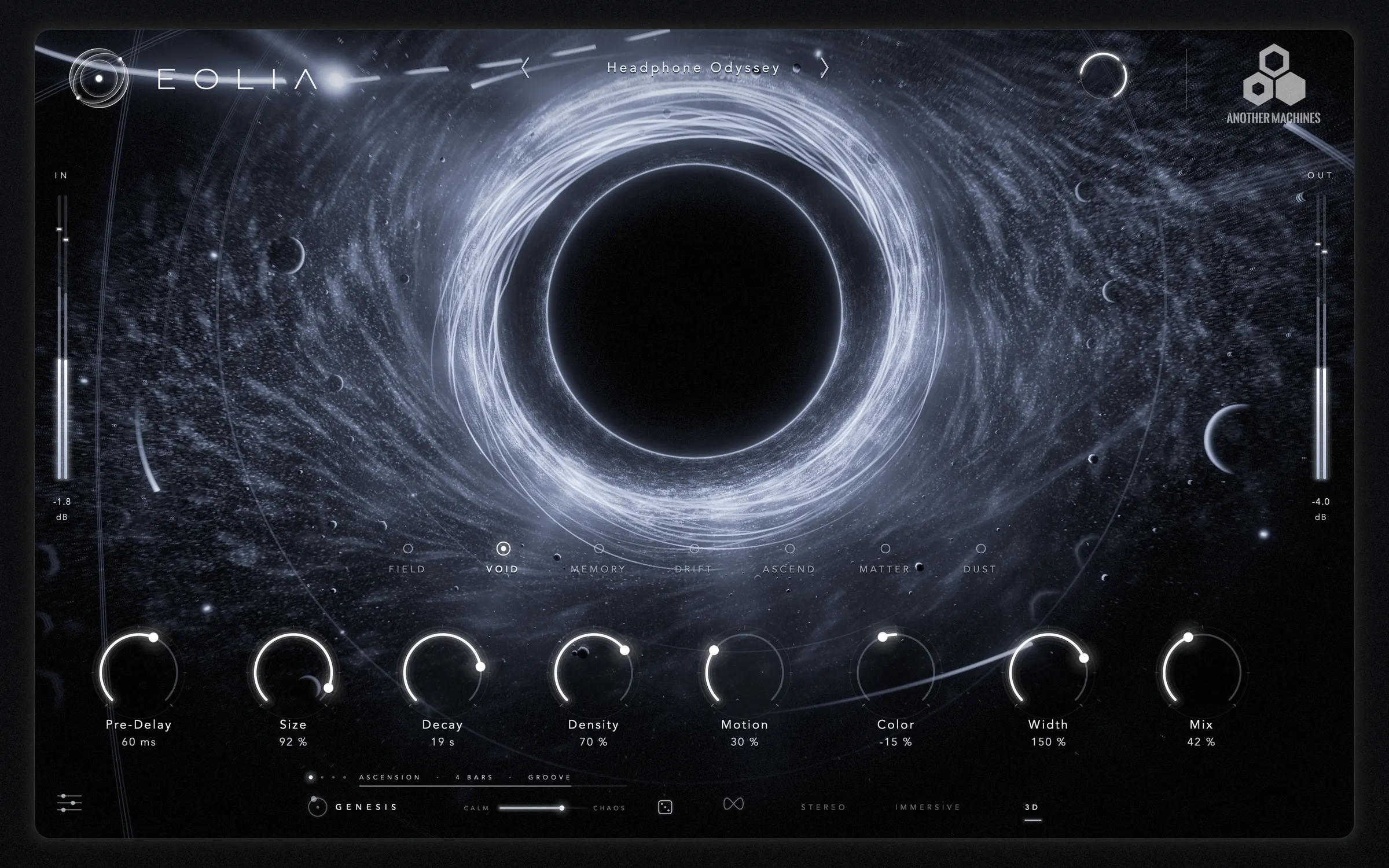
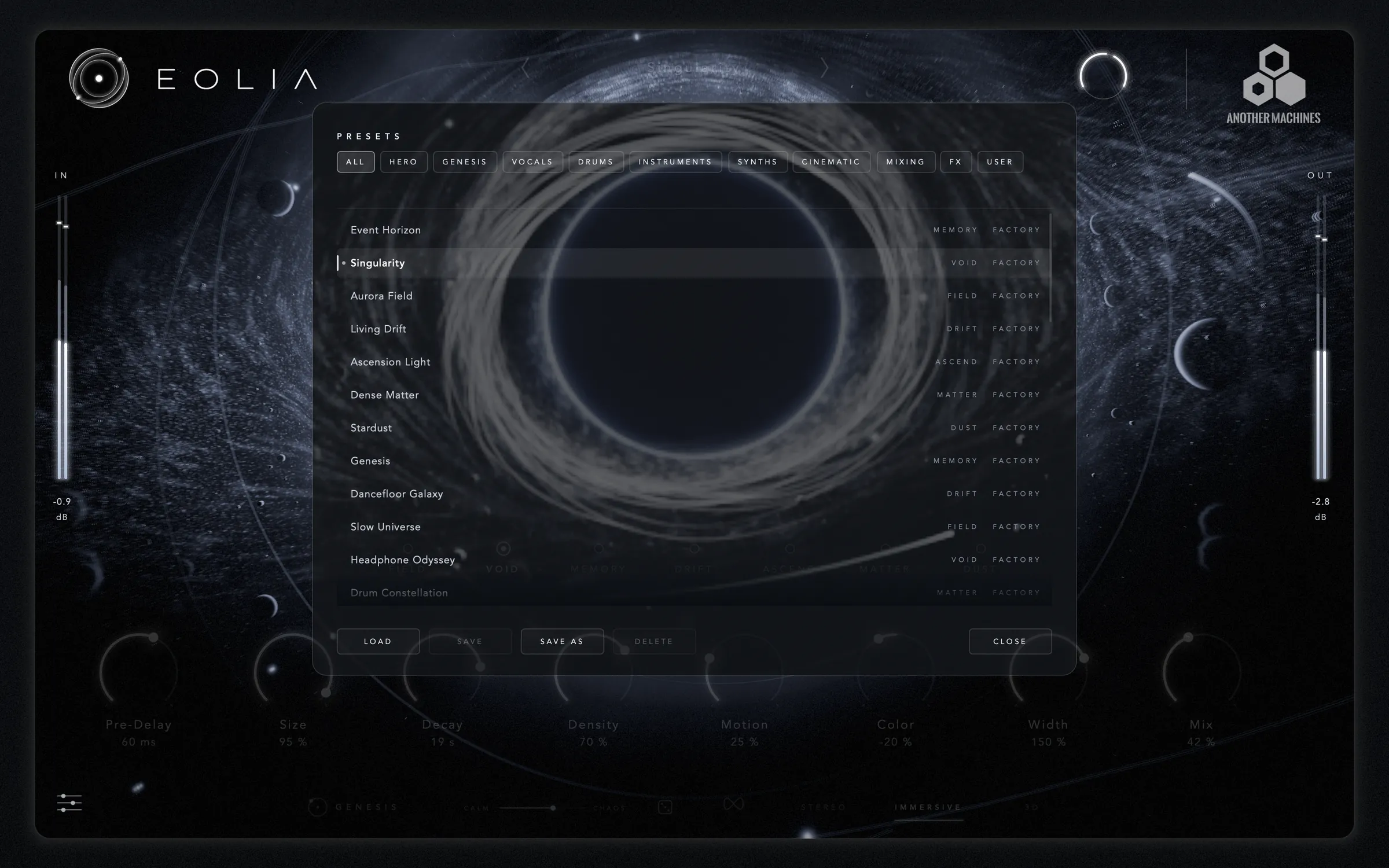
08 · Presets
Signature spaces, GENESIS choreographies and drawn paths, then focused starting points for vocals, drums, instruments, synths, cinematic work and mixing — loudness-matched, so you can audition by ear.
The EOLIA signature: a vast remembering space that blooms around the source.
Infinite dark depth that swallows the source and returns it huge.
Wide, pristine, enveloping light around anything.
A space that slowly reroutes itself while you listen.
Harmonic shimmer that rises above the mix.
Heavy physical space: impacts scatter into a dense cloud.
The grains of your sound scattered around you, glinting in fifths, inside a wide soft space.
Press play: the space listens and moves around you.
Beat-locked swings, spins and scatters for club tracks.
Barely-there drifting for mixes that must stay calm.
3D headphones: the void travels above, behind and around you.
Hits land in a different place every bar.
3D headphones: endless rising dream space.
A drawn path: the space sweeps in front, behind and around you every four bars. Draw your own with PATH.
A drawn circle: the space orbits all the way around you every two bars.
A drawn swing: left to right every bar, closest as it passes in front.
3D headphones: the shimmer spirals in from far away over eight bars.
Bright clean halo that ducks under the words.
Harmonics rise behind the singer like a choir.
Dense, bright and close: a lead vocal stays upfront and expensive.
A long, soft hall that opens between the phrases.
Words dissolve into a fine mist that floats behind the singer.
Short weighty chamber: body, not mud.
Room glue for whole kits and loops.
Moving space that keeps loops alive.
The classic big snare: a bright burst that clears before the next hit.
Short grains locked to the host tempo: hits splinter into rhythmic dust around the kit.
A concert hall for keys: warm, even, wide.
Clean or ambient guitar into a slowly turning cathedral.
Leads and chords circle the room while the tail keeps rerouting.
Short plucks leave a rising, shimmering trail.
Pads become weather: an endless, slowly rotating cloud.
Long overlapping grains: any chord becomes an endless pad. Hold the core to freeze it.
Grains an octave and a twelfth up fall back into the space and climb again.
3D headphones: a bottomless space that moves above and behind you.
Hits, braams and risers explode into a dense physical hall.
3D headphones: an octave down, half of it reversed, drifting around and above you.
Barely there: depth without wash.
100% wet shimmer send.
Push sources back without obvious reverb.
Send that gets out of the way of words.
Slow swelling bloom that arrives late.
Faded, filtered recollection.
09 · Specifications
11 · Questions
No. EOLIA builds its eleven-speaker room internally and renders it to ordinary stereo, so IMMERSIVE works on any track, in any host, on speakers or headphones.
Any headphones. 3D uses binaural cues computed by EOLIA itself; it does not need head tracking, special hardware or any permission.
No. GENESIS is seeded and follows the song position, so the same seed at the same point of your arrangement produces exactly the same movement — in playback, in automation and in every bounce.
No. EOLIA reports zero latency, so it can be used on live inputs and sends without delay compensation.
User presets are stored in ~/Library/Application Support/Another Machines/EOLIA/Presets. Your host also saves EOLIA's complete state, including a drawn path, inside every project.
No. There is no account, no tracking and no analytics, and all analysis happens on your Mac. Read the privacy policy.
A reverb you can see — and play. For macOS, iPhone and iPad.