

FOR IPHONE + IPAD · AUV3
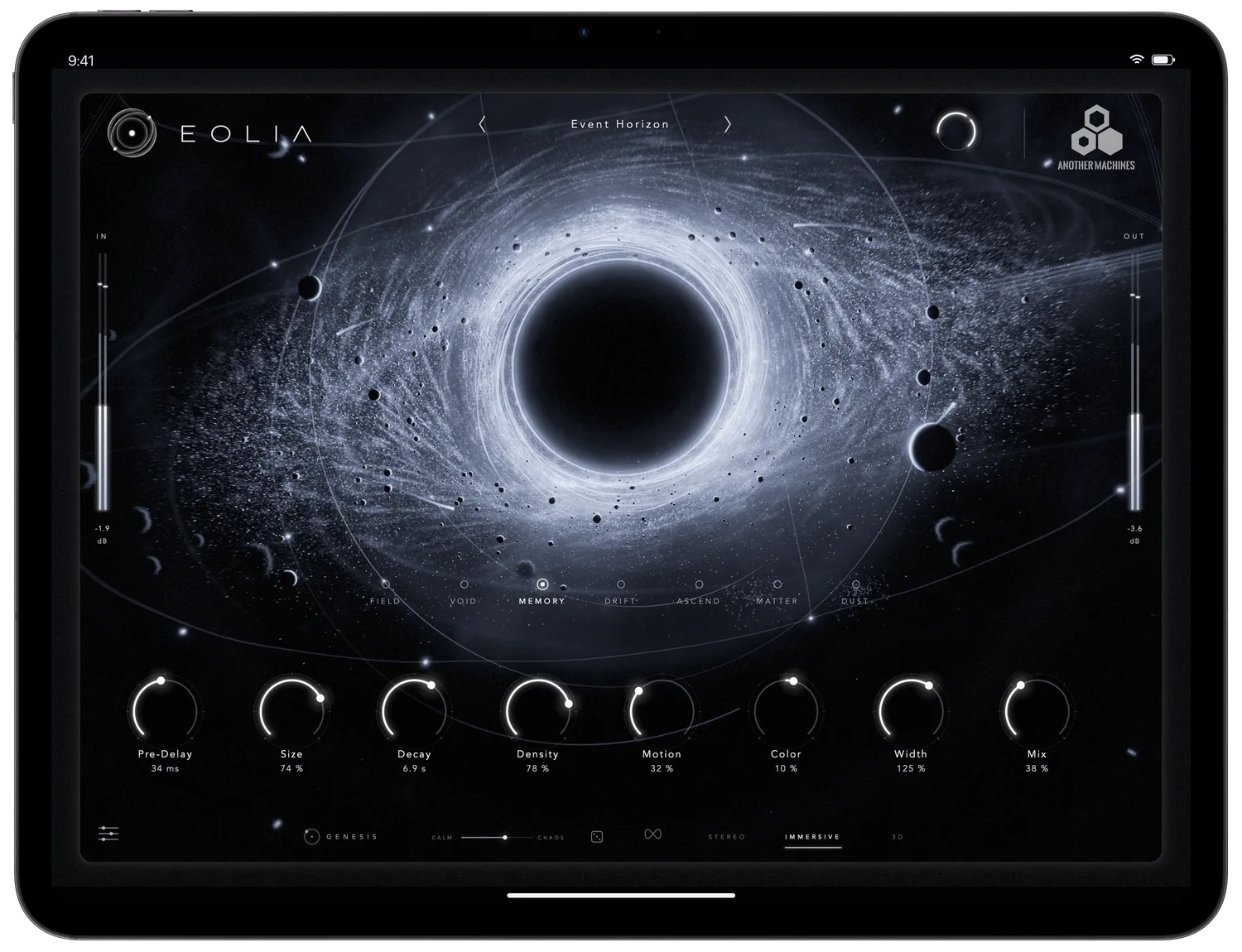
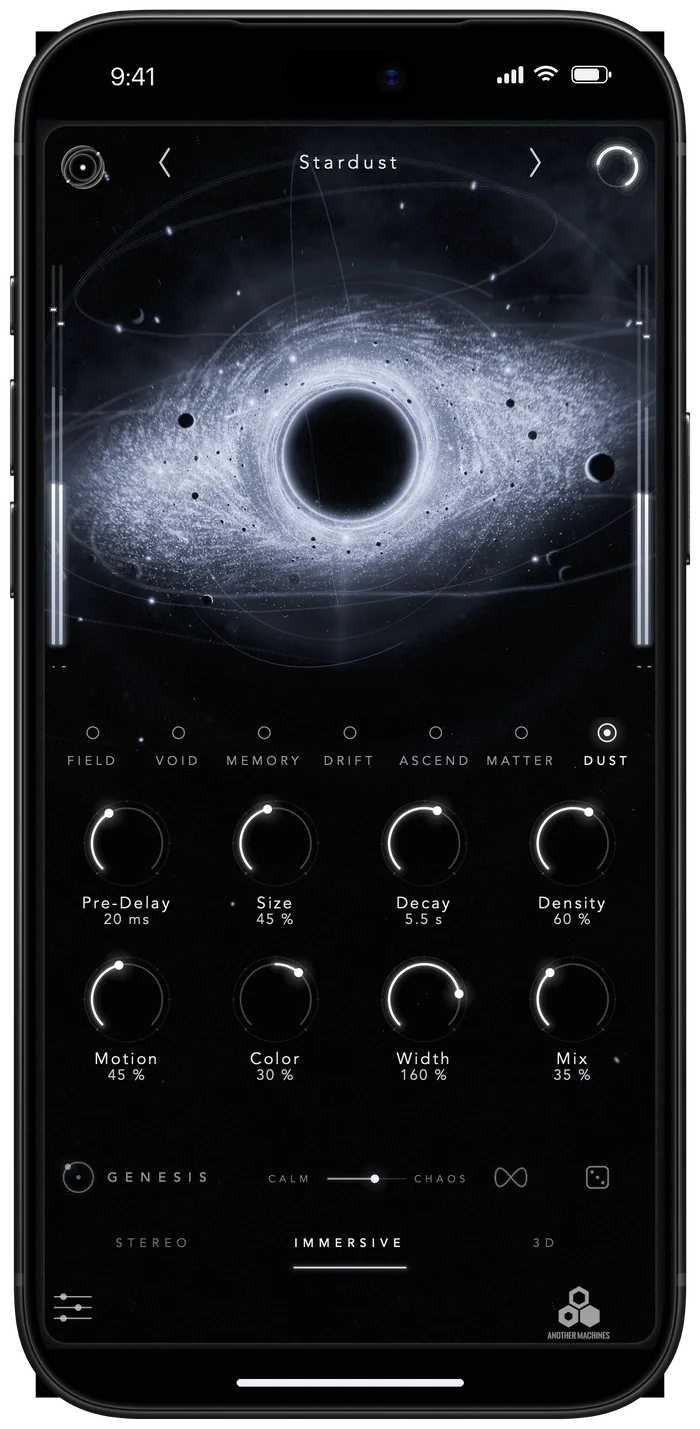
A reverb you can see — in your hands.
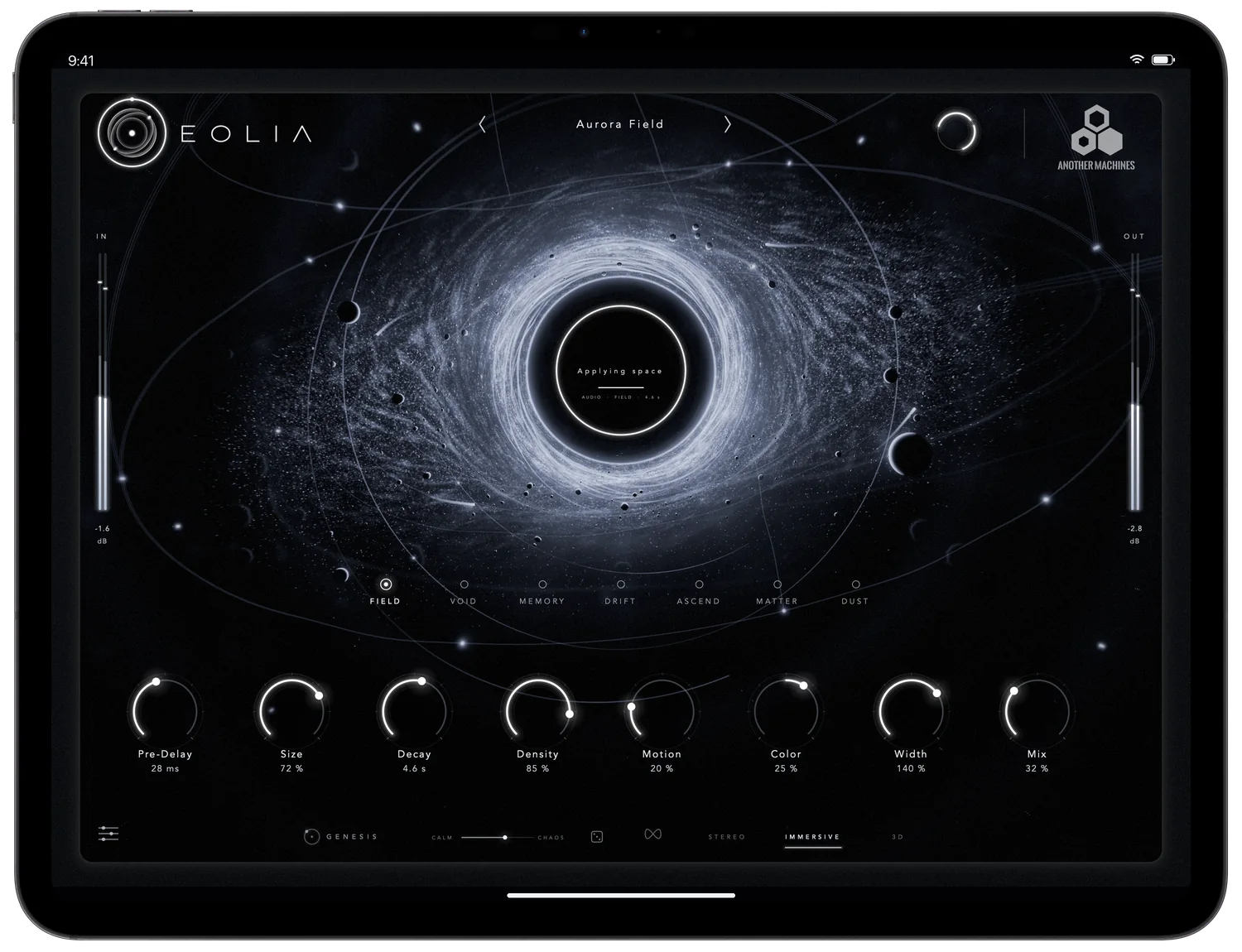
The complete EOLIA — all seven engines, GENESIS, immersive and 3D sound — as an AUv3 Audio Effect for your iOS studio. Spin the space with a finger, draw a path around the core, freeze time with a touch.
- System
- iOS 16 / iPadOS 16
or later - Format
- AUv3 Audio Effect
- Devices
- iPhone and iPad
portrait and landscape - Privacy
- Data not collected
01 · Your iOS studio
Made to live inside your DAW.
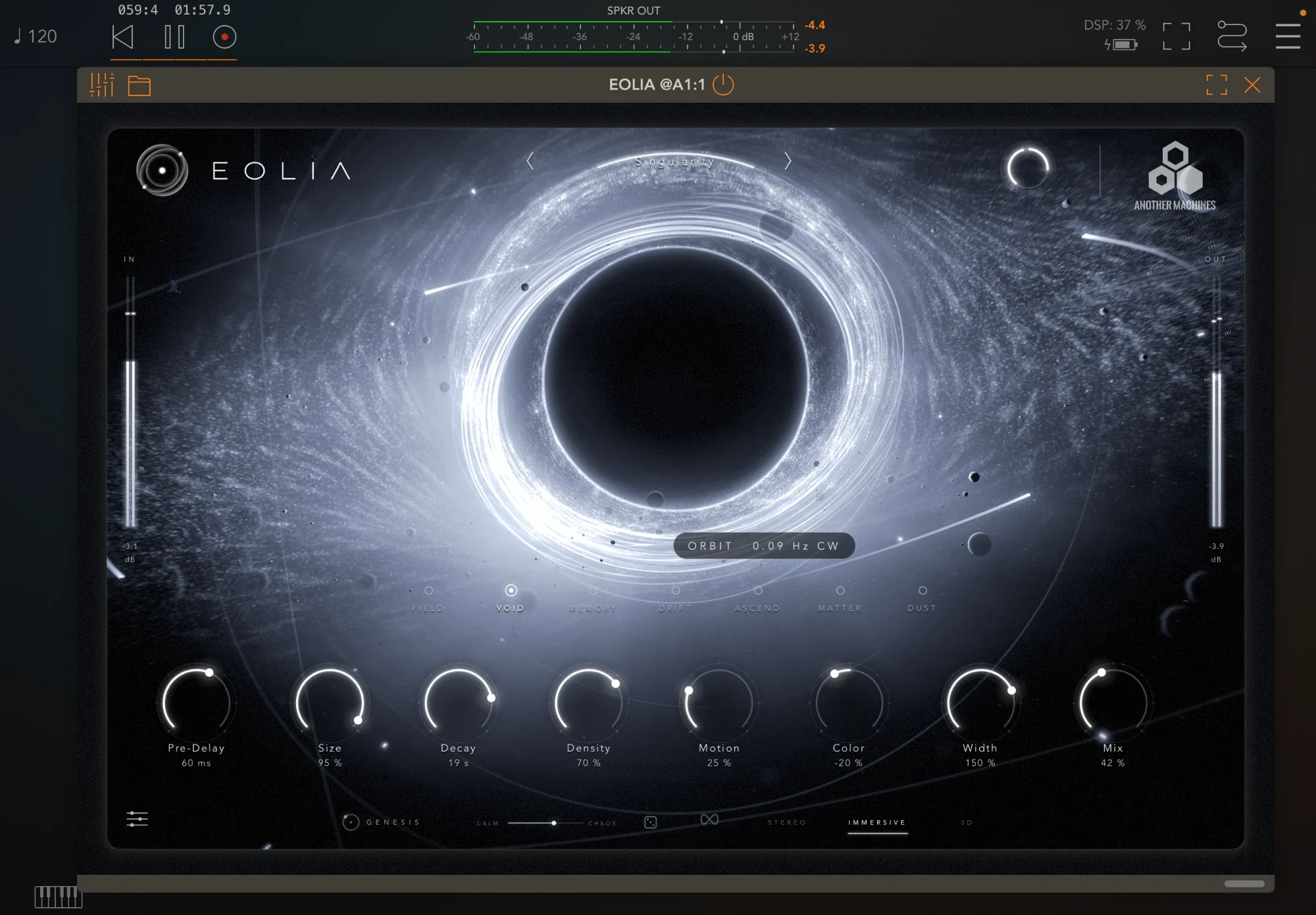
EOLIA is an Audio Unit extension. Install it once and it appears in every AUv3 host — on a track, a bus or a send, as many instances as your device allows.
Load it in hosts such as AUM, Logic Pro for iPad, Cubasis, Loopy Pro, Drambo, GarageBand, Beatmaker or NanoStudio. Your host saves EOLIA's complete state — including GENESIS and a drawn path — inside your project, and every parameter can be automated.
In AUM: tap an insert slot of an audio channel, choose Audio Unit Extensions, then Another Machines → EOLIA.
02 · Seven engines
The same seven spaces as on the Mac.
Nothing is cut down for mobile. FIELD, VOID, MEMORY, DRIFT, ASCEND, MATTER and the new granular DUST run with the same algorithms and the same 43 presets, efficiently enough for real sessions: one instance uses about 6 % of a performance core on an iPad with A16 at 48 kHz.



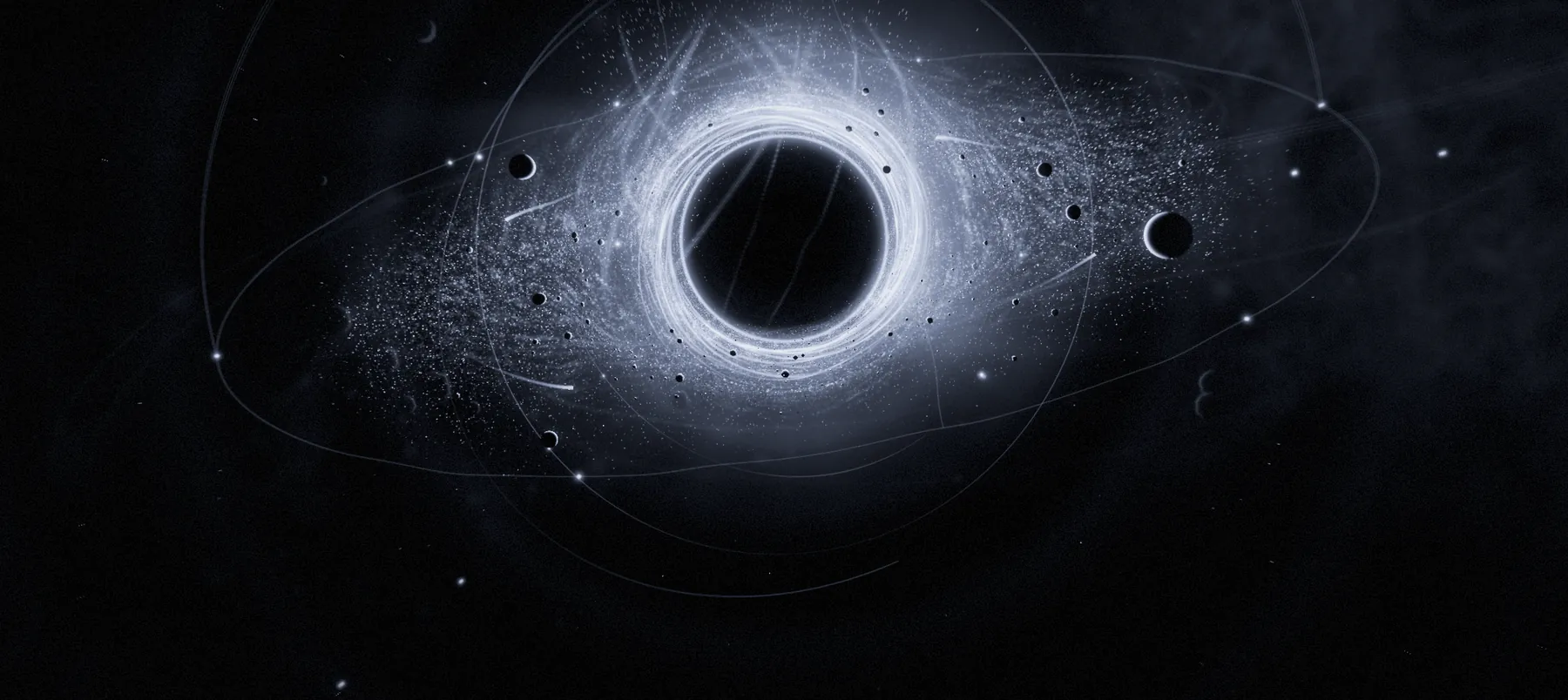


The reference space.
Clean, even and wide through the whole tail — for anything that has to sound true.
Impossible scale.
A dark, enormous space that blooms after the sound instead of covering it.
A space that remembers.
Tape-soft recollections, darkening echoes and reversed fragments of the recent past.
A room that reroutes itself.
The tail wanders across the image while you listen — alive, never pumping.
Harmonic light.
Shimmer that climbs in fifths and octaves above the mix.
Physical mass.
Impacts break into a heavy, close cloud — weight for drums and hits.
A cloud of grains in space.
Up to 48 grains of your audio, each from its own point around you — and your finger plays the cloud.
03 · Built for touch
Reach into the space.
On iPhone and iPad the universe is a multi-touch instrument, with haptic feedback for every engine change, freeze and roll of the dice.
- DRAG THE COREMOVE THE LISTENER
- Flick it and the listener keeps drifting through the space.
- SPIN THE RINGORBIT
- Turn it like a turntable; the tail keeps turning around you after you let go.
- TWO FINGERSSCALE · VIEW · SPIN
- Pinch for scale, move together to turn the view, twist to spin the space.
- HOLD THE COREFREEZE
- The space hangs in the air until you touch it again.
- HOLD THE SPACEGRAVITY
- Keep a finger still and the sound is pulled toward it; lift it and it springs home.
- DRAWGENESIS PATH
- Tap PATH and draw a loop around the core. Your sound follows it in time.
- PLAY DUSTTHE GRAIN CLOUD
- With DUST, your finger chooses when in the last six seconds and from where the grains play.
- TAP THE EMBLEMSMART LISTEN
- Play your sound; EOLIA hears it and builds the space around it.
04 · iPhone + iPad
Composed for every screen.
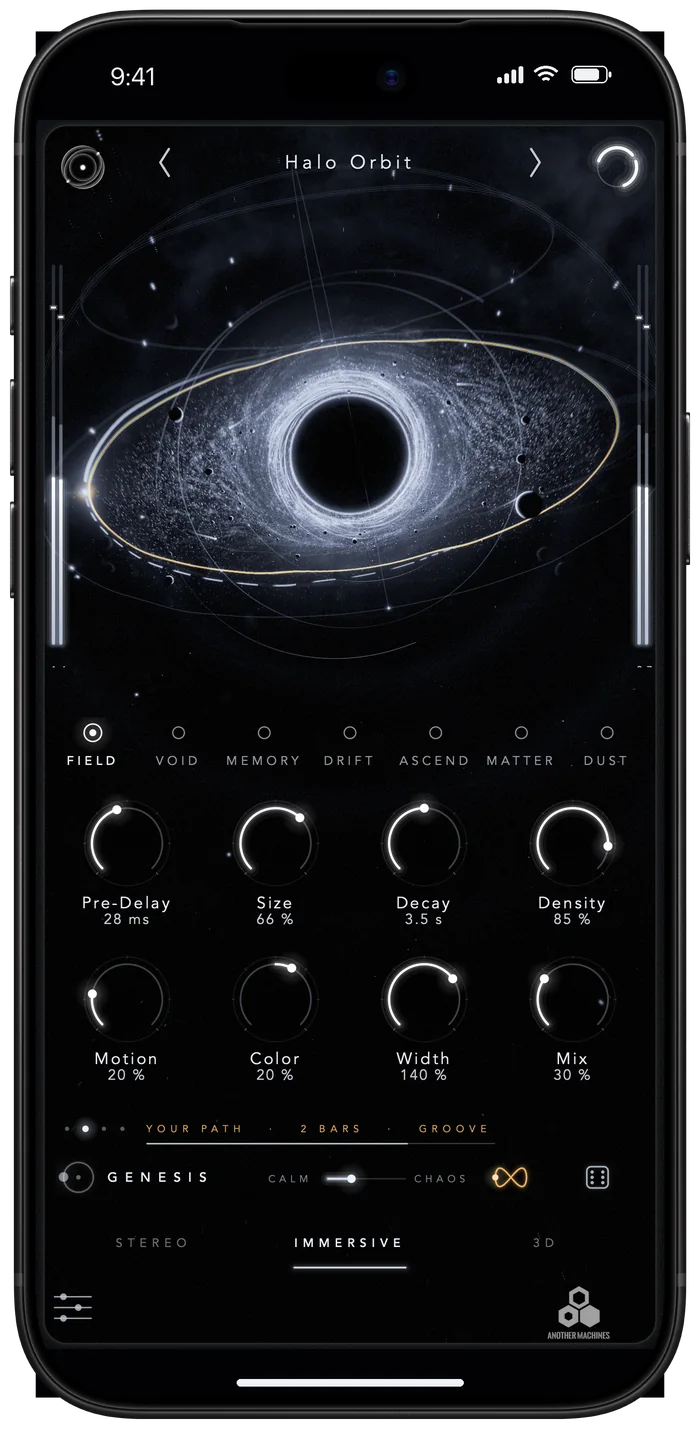
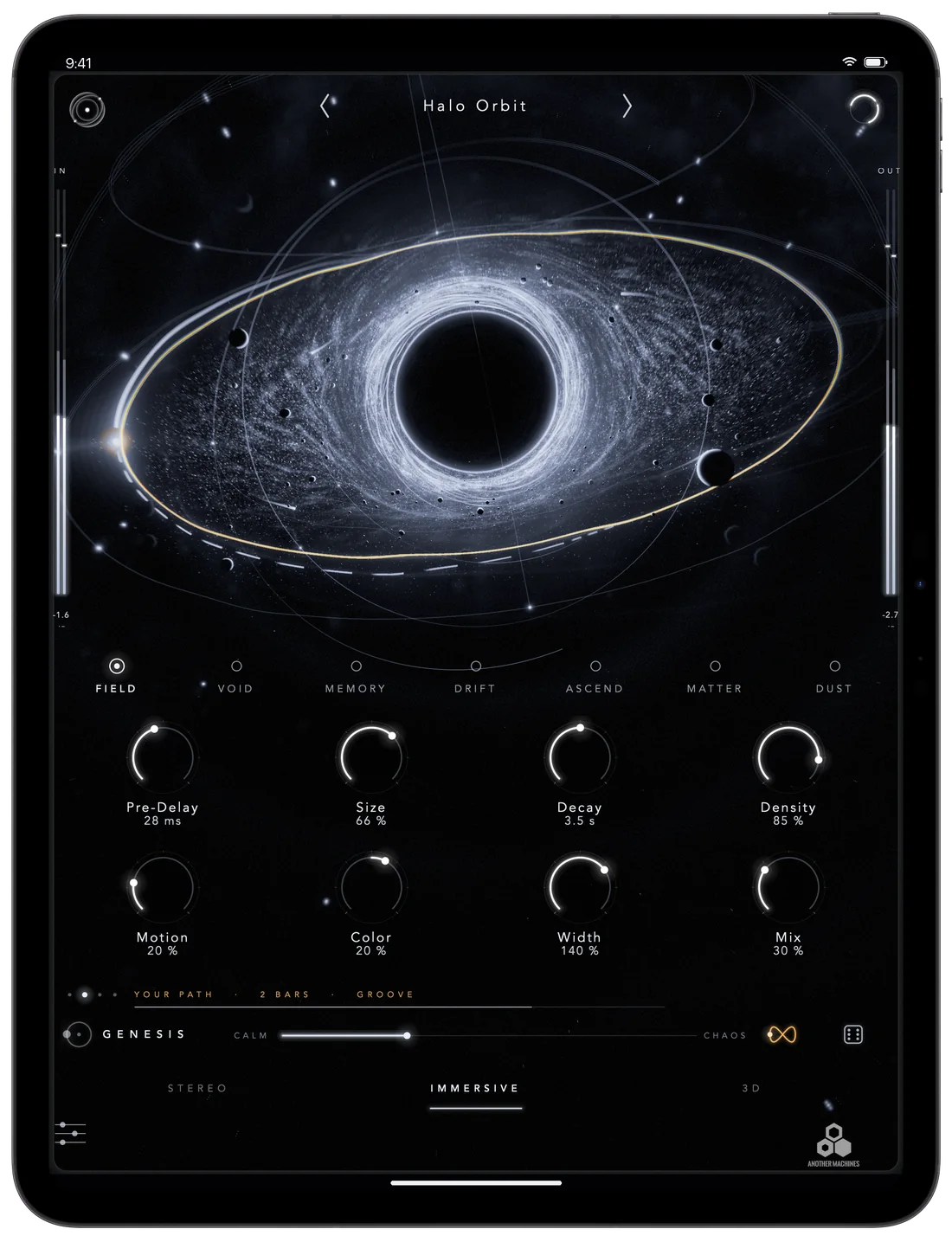
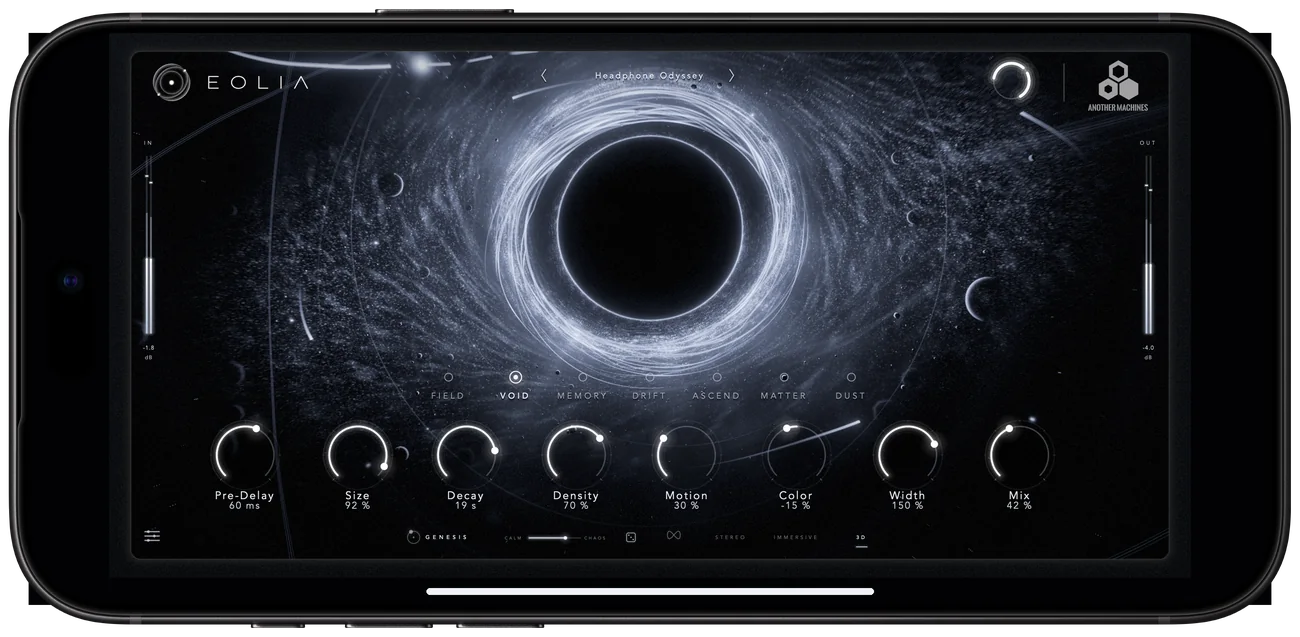
A dedicated portrait layout puts the universe on top and the controls under your thumbs; turn the device and EOLIA becomes the full landscape instrument. Settings, presets and About & Privacy all adapt to the screen.
05 · The EOLIA app
Open it on its own, too.
The EOLIA app opens the same instrument full screen. Connect headphones, Bluetooth audio or an audio interface and it plays your microphone or input live through the space.
On the device's own speaker the input stays silent, so the microphone can never feed back into the reverb. Nothing is recorded, and microphone access can be turned off at any time in Settings.
06 · Privacy
Data not collected.
No account, no advertising, no tracking and no analytics. Every analysis — Smart Listen, GENESIS, DUST — happens on your device, and no audio ever leaves it.
07 · Questions
Good to know.
Do I need to keep the EOLIA app open?
No. Once EOLIA is installed, it appears in your host's list of Audio Unit extensions; the host loads it directly.
Does 3D need AirPods or head tracking?
No. 3D uses binaural cues computed by EOLIA itself and works with any headphones. It never asks for motion data.
Will EOLIA use my microphone?
Inside a host, never: the host decides what EOLIA processes. Only the standalone EOLIA app can use the microphone, and only while headphones, Bluetooth audio or an interface is connected.
Is it the same EOLIA as on the Mac?
Yes — the same engines, presets and parameters. The macOS version is sold separately as AU and VST3.
How do I get help?
Visit EOLIA Support or write to anothermachines@gmail.com.